

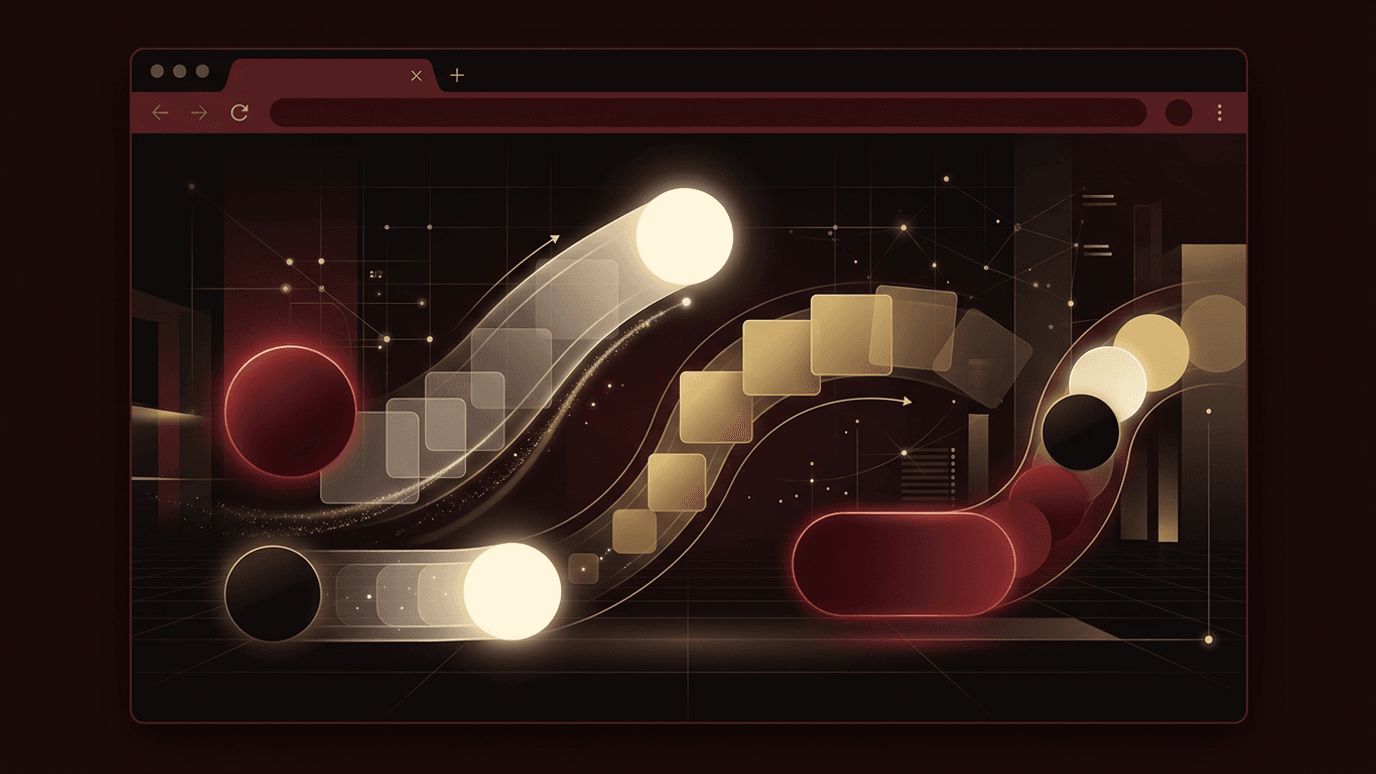
Can I Use Web Animations API? Yes, in All Modern Browsers
Animation brings websites to life. Thoughtful motion can guide attention, provide feedback, and make interfaces feel polished and responsive. Traditionally, developers created web animations using CSS transitions, CSS keyframe animations, or JavaScript libraries. The Web Animations API offers a native browser approach that combines the performance of CSS animations with the flexibility of JavaScript. If you are wondering whether you can use the Web Animations API today, the answer is yes. It is supported in all major modern browsers, including Chrome, Edge, Firefox, and Safari, making it a reliable choice for production websites.
How AAMAX.CO Creates Engaging, Animated Web Experiences
Animation should enhance usability, not distract from it. AAMAX.CO is a full service digital marketing company that offers web development, digital marketing, and SEO services worldwide. Their designers and developers use modern web technologies, including native animation APIs, to create engaging interfaces that remain fast and accessible. They balance visual appeal with performance and SEO so their clients' websites delight visitors without sacrificing speed.
What Is the Web Animations API?
The Web Animations API, often abbreviated as WAAPI, is a JavaScript interface that gives developers direct access to the browser's animation engine. It is the same engine that powers CSS animations and transitions. With WAAPI, you can create animations in JavaScript, then play, pause, reverse, seek, and adjust their speed programmatically. You can also listen for animation completion using promises, making it easy to sequence animations.
Basic Usage
The simplest way to use WAAPI is the animate method available on every DOM element. You pass an array of keyframes describing the styles to animate and an options object defining duration, easing, delay, iterations, direction, and fill mode. For example, you can fade and slide an element into view by animating opacity from zero to one and transform from a translated position to its natural position over a few hundred milliseconds with an ease-out timing function.
The animate method returns an Animation object. With it, you can call play, pause, reverse, cancel, and finish. You can change playbackRate to speed up or slow down animations, and use the currentTime property to jump to any point. The finished property returns a promise that resolves when the animation completes, enabling clean sequencing with async and await.
Browser Support
Core Web Animations API features are supported in all modern browsers. This includes the animate method, Animation objects, playback controls, and finished promises. Newer additions, such as composite operations and getAnimations, are also widely supported in current browser versions. Scroll-driven animations, which link animation progress to scrolling, are supported in Chromium-based browsers and gaining broader support. As always, check current compatibility data for advanced features and provide graceful fallbacks when needed.
Advantages of the Web Animations API
Performance. WAAPI animations of properties like transform and opacity can run on the compositor thread, keeping them smooth even when the main thread is busy.
Control. Unlike CSS animations, WAAPI lets you dynamically control playback, which is ideal for interactive animations triggered by user actions.
No dependencies. Because it is built into browsers, WAAPI adds no library weight to your website, improving load times.
Dynamic values. You can calculate keyframe values at runtime based on element positions, user input, or data, something difficult to achieve with static CSS.
Practical Use Cases
WAAPI is useful for entrance animations when content scrolls into view, often combined with the Intersection Observer API. It works well for micro-interactions like button feedback, toggles, and form validation cues. It can power page transitions, carousels, modals, and notification toasts. More complex sequences, such as onboarding flows or animated illustrations, benefit from WAAPI's promise-based sequencing.
For layout changes, developers often use a technique called FLIP, which stands for First, Last, Invert, Play. You measure an element's position before and after a change, then use WAAPI to animate between them using transforms, creating smooth layout animations.
Best Practices for Web Animations
Animate performant properties. Transforms and opacity are ideal because they do not trigger layout recalculations. Avoid animating properties like width, height, top, and left when possible, as they can cause jank.
Respect user preferences. Some users experience discomfort from motion. Check the prefers-reduced-motion media query and reduce or disable non-essential animations for those users.
Keep animations purposeful and brief. Most interface animations should last between 150 and 400 milliseconds. Use easing curves that feel natural, such as ease-out for entering elements. Avoid excessive motion that distracts from content or slows users down.
Clean up animations. Cancel animations that are no longer needed, especially in single-page applications, to prevent memory leaks and unexpected behavior.
WAAPI vs. CSS Animations vs. Libraries
CSS animations are perfect for simple, declarative effects like hover states. WAAPI excels when you need dynamic control or runtime values. Animation libraries offer advanced features such as timelines, physics-based motion, and SVG morphing, but add file size. Many projects use a combination, choosing the lightest tool that meets each need. Skilled teams in website design know how to apply each approach appropriately to create cohesive motion systems.
Getting Started
Begin by experimenting in your browser's developer console. Select an element and call animate with simple keyframes. Explore browser developer tools, which include animation inspectors that let you slow down and replay animations. Then integrate WAAPI into small interactions on your website, gradually building more complex effects.
Conclusion
You can use the Web Animations API in all modern browsers today. It provides a powerful, performant, and dependency-free way to create animations with full JavaScript control. By animating efficient properties, respecting reduced motion preferences, and keeping motion purposeful, you can create engaging experiences that improve usability and make your website stand out.
