

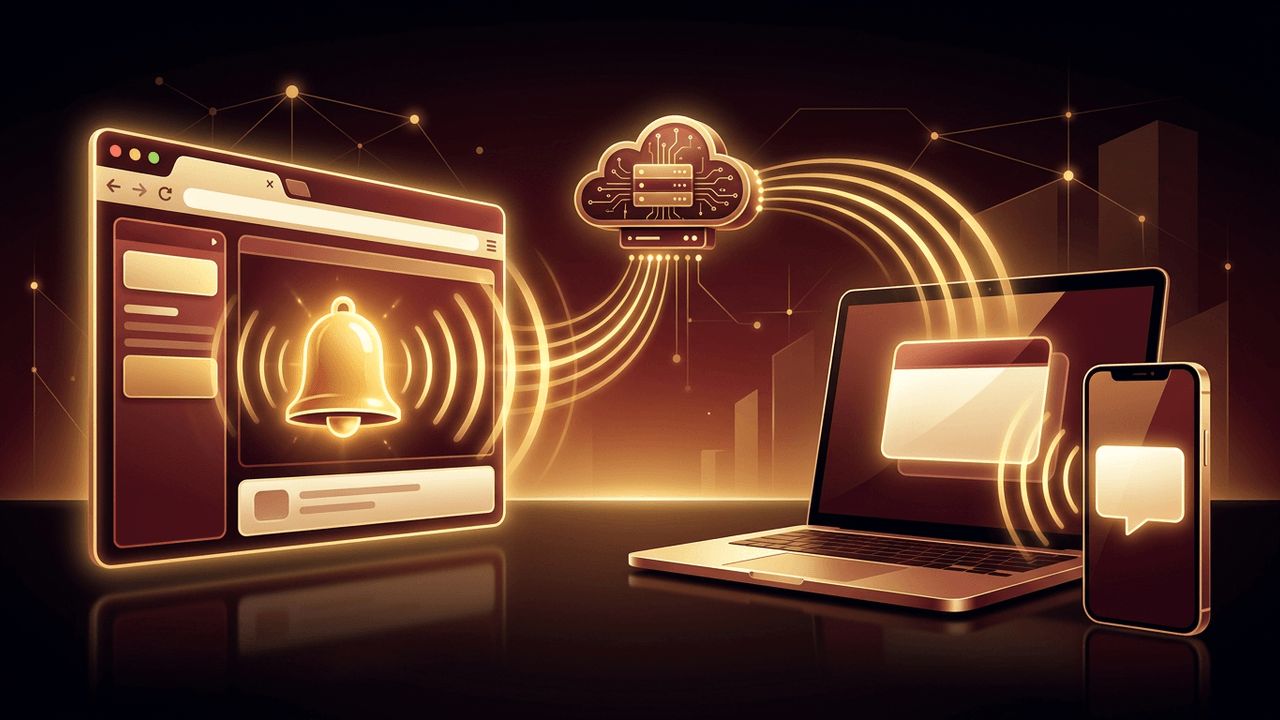
Push notifications are one of the most effective ways to re-engage users. They deliver timely updates, reminders, and personalized messages directly to a user's device. For years, push notifications were associated mainly with native mobile apps, leading many businesses to believe they needed an app store presence to use them. Today, that is no longer true. So, can you send push notifications from a web app? Yes, you can. Modern browsers support web push notifications through standardized technologies such as service workers and the Push API. Websites and progressive web apps can send notifications even when the browser tab is closed. This article explains how web push works, how to implement it, and how to use it responsibly.
How AAMAX.CO Builds Engaging Web Apps with Push Notifications
Implementing web push requires careful attention to security, user experience, and back-end infrastructure. AAMAX.CO is a full service digital marketing company that offers web development, digital marketing, and SEO services worldwide. Their developers build progressive web apps and interactive platforms that use push notifications to boost engagement and retention. Businesses seeking advanced features like real-time alerts can benefit from their web application development expertise to create reliable, user-friendly experiences.
What Are Web Push Notifications?
Web push notifications are clickable messages sent from a website or web app to a user's device through the browser. They appear similarly to native app notifications, showing a title, message, icon, and optional image or action buttons. Users must explicitly grant permission before a site can send notifications. Once subscribed, users can receive messages on desktop computers and mobile devices, even when they are not actively visiting the website.
How Web Push Technology Works
Web push relies on several components working together. A service worker is a JavaScript file that runs in the background, separate from the web page. It listens for push events and displays notifications. The Push API allows the service worker to receive messages from a server, while the Notifications API displays them to the user.
When a user grants permission, the browser creates a unique push subscription containing an endpoint URL and encryption keys. This subscription is sent to your server and stored. When you want to send a notification, your server sends an encrypted message to the browser vendor's push service, which delivers it to the user's device. The service worker then receives the message and displays the notification. VAPID keys are used to authenticate your server with push services securely.
Browser and Device Support
Web push is supported in major browsers, including Chrome, Edge, Firefox, Opera, and Safari on macOS. On iPhones and iPads, web push is supported for web apps that users add to their home screen, bringing progressive web apps closer to native app capabilities. Support continues to grow, making web push a practical option for reaching a broad audience.
Steps to Implement Push Notifications in a Web App
Serve your site over HTTPS. Service workers and push notifications require a secure connection.
Register a service worker. Create a service worker file and register it from your web app so it can run in the background.
Request notification permission. Ask users for permission at a meaningful moment, ideally after they understand the value of notifications.
Create a push subscription. Use the Push API with your public VAPID key to subscribe the user, then send the subscription to your server.
Store subscriptions securely. Save subscription data in your database, associated with users or preferences.
Send notifications from your server. Use a web push library for your back-end language to encrypt and send messages to stored subscriptions.
Handle push events. In your service worker, listen for push events and display notifications, and handle clicks to open relevant pages.
Using Third-Party Push Services
If you prefer not to build the infrastructure yourself, third-party services provide dashboards, segmentation, scheduling, and analytics. Platforms such as Firebase Cloud Messaging and dedicated push notification providers simplify implementation and help manage campaigns at scale. These tools are especially useful for marketing teams that want to send targeted messages without developer involvement.
Popular Use Cases
E-commerce websites use push notifications for abandoned cart reminders, price drops, and order updates. News and media sites send breaking news alerts. Software-as-a-service platforms notify users about account activity, messages, or task deadlines. Event platforms send reminders, and blogs alert subscribers about new content. When used thoughtfully, notifications can significantly increase engagement and conversions.
Best Practices for Web Push Notifications
Avoid requesting permission immediately when a user lands on your site. Instead, explain the benefits first and ask at an appropriate moment. Send relevant, personalized messages rather than generic broadcasts. Respect frequency, as too many notifications can lead users to unsubscribe or block your site.
Write concise, clear messages with compelling calls to action. Allow users to manage their notification preferences easily. Track metrics such as opt-in rates, click-through rates, and unsubscribe rates to refine your strategy over time.
Privacy and Security Considerations
Push notifications require user consent, and respecting that consent is essential. Store subscription data securely and comply with privacy regulations in your target markets. Never send sensitive personal information in notification content, as messages may appear on lock screens visible to others.
Final Thoughts
Can you send push notifications from a web app? Absolutely. With service workers, the Push API, and broad browser support, web apps can deliver timely, engaging notifications without requiring a native mobile app. By implementing web push thoughtfully, respecting user preferences, and delivering genuine value, businesses can strengthen relationships with their audience and drive meaningful engagement.
