

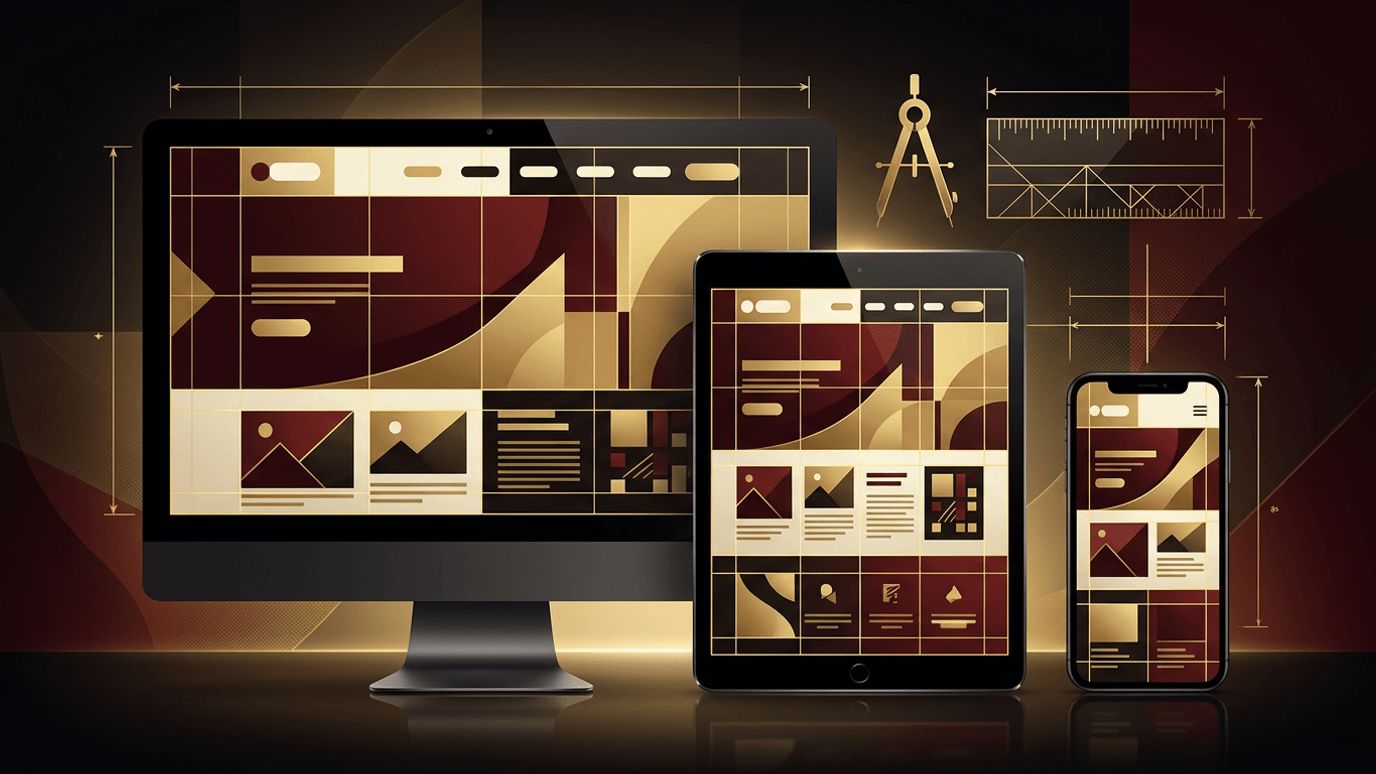
A web page is often the first conversation between your brand and a potential customer. Its design determines whether that conversation continues or ends after a few seconds. If you are asking, "How do I design a web page?" you are focusing on one of the most important aspects of online success. Good web page design is not only about attractive visuals; it is about creating clarity, guiding attention, and making it effortless for visitors to take action. This guide explores the core principles of web page design and a practical process you can follow to create pages that look great and perform even better.
Designing Web Pages That Convert with AAMAX.CO
Designing a beautiful web page is one thing; designing one that consistently drives results requires a strategic approach. AAMAX.CO is a full service digital marketing company that offers web development, digital marketing, and SEO services worldwide. Their designers blend brand storytelling, user experience research, and conversion optimization to create pages that engage visitors and support business goals. With development and SEO handled by the same team, every page they design is ready to perform from the moment it launches.
Core Principle 1: Clarity of Purpose
Every web page should have a single, clear purpose. Visitors should understand within seconds what the page is about and what they can do next. Avoid cramming too many messages or competing calls to action onto one page. When in doubt, simplify.
Core Principle 2: Visual Hierarchy
Visual hierarchy controls the order in which people notice elements. Larger, bolder, and higher-contrast elements draw attention first. Use this to emphasize headlines, key benefits, and calls to action. Group related information and use consistent spacing so content feels organized and easy to scan.
Core Principle 3: Readable Typography
Text is the backbone of most web pages, so readability is critical. Choose one or two complementary font families, use a comfortable body size, and maintain generous line height. Keep line lengths moderate to prevent eye fatigue. Typography should feel consistent with your brand while prioritizing legibility.
Core Principle 4: Purposeful Color
Color communicates emotion and brand personality. Select a primary brand color, a couple of accent colors, and neutral tones for backgrounds and text. Reserve the most vibrant color for important actions like buttons. Always ensure sufficient contrast for readability and accessibility.
Core Principle 5: Whitespace
Whitespace, or negative space, gives content room to breathe. It improves comprehension, highlights important elements, and creates a sense of elegance. Pages crowded with text and images feel overwhelming, while balanced whitespace makes them inviting.
Core Principle 6: Responsiveness
Your web page must work flawlessly on phones, tablets, and desktops. Design mobile-first by prioritizing essential content for small screens, then expand layouts for larger displays. Ensure buttons are large enough to tap and navigation remains simple on every device.
Core Principle 7: Accessibility
Accessible design ensures everyone can use your web page, including people with disabilities. Use descriptive alt text for images, logical heading structures, keyboard-friendly navigation, and adequate color contrast. Accessibility improves usability for all visitors and supports SEO.
A Practical Step-by-Step Design Process
- Research: Understand your audience, goals, and competitors.
- Content planning: Outline key messages and the information visitors need.
- Wireframing: Sketch the layout and structure without visual styling.
- Visual design: Apply branding, typography, color, and imagery.
- Prototyping: Create clickable versions to test interactions and flow.
- Feedback and iteration: Gather input from stakeholders and real users.
- Development handoff: Provide detailed specifications for accurate implementation.
- Testing and optimization: Monitor analytics and refine based on data.
Essential Elements of a High-Performing Web Page
- A compelling headline that communicates value immediately
- Supporting subheadings that explain benefits
- High-quality visuals that reinforce your message
- Social proof such as testimonials, reviews, or client logos
- Clear, action-oriented calls to action
- Simple navigation and a helpful footer
Tools for Designing Web Pages
Designers commonly use collaborative tools like Figma for wireframes, mockups, and prototypes. Website builders allow visual design and publishing in one place, while code editors give developers complete control. Choose tools that fit your workflow and make collaboration easy.
From Design to a Live Page
A design becomes valuable only when it is implemented accurately. Professional website design establishes a strong visual and strategic foundation, while expert website development ensures the page loads quickly, functions perfectly, and maintains its design integrity across browsers and devices.
Common Design Mistakes to Avoid
- Too many fonts, colors, or competing visual styles
- Walls of text without headings or spacing
- Hidden or unclear calls to action
- Large, unoptimized images that slow loading
- Ignoring mobile and accessibility considerations
Conclusion
Designing a web page means balancing aesthetics, usability, and business objectives. By focusing on clarity, visual hierarchy, readable typography, purposeful color, whitespace, responsiveness, and accessibility, you can create pages that engage visitors and inspire action. Following a structured design process and partnering with skilled professionals ensures your web pages not only look impressive but also deliver meaningful results.
