

Designing your own website can feel overwhelming at first. There are layouts to plan, colors to choose, fonts to pair, and dozens of tools promising to make the process effortless. The good news is that website design follows a logical sequence, and once you understand that sequence, you can create a site that looks professional, communicates clearly, and turns visitors into customers or followers. Whether you are building a site for a small business, a side project, or a personal brand, the principles in this guide will help you design with confidence and avoid the most common beginner mistakes.
How AAMAX.CO Can Help You Design a Website That Stands Out
While many people enjoy designing their own website, others reach a point where they want expert guidance to elevate the final result. AAMAX.CO is a full-service digital marketing company that offers web development, digital marketing, and SEO services to clients worldwide. Their team specializes in website design that blends visual appeal with usability and search visibility. If you want a custom layout, a cohesive brand identity, or a site that is engineered to convert, they can take your ideas and turn them into a polished, high-performing website while you focus on running your business.
Start With a Clear Purpose and Audience
Every successful design begins with a single question: what should this website accomplish? A portfolio site exists to showcase work, an online store exists to sell products, and a service business site exists to generate leads. Write down your primary goal and two or three secondary goals. Next, define your audience. Consider their age, profession, technical comfort, and what problem they are trying to solve when they land on your site. Design decisions become far easier when you know exactly who you are designing for. A site aimed at busy executives should be concise and direct, while a site for creative professionals can afford to be more experimental.
Plan Your Site Structure Before You Touch Design
Before choosing colors or templates, map out the pages your site needs and how they connect. This is called a sitemap. Most small websites include a home page, an about page, a services or products page, a blog, and a contact page. Sketch how a visitor will move from one page to another and make sure the most important actions are never more than two clicks away. Good information architecture prevents confusion, reduces bounce rates, and helps search engines understand your content. A simple diagram on paper or in a free whiteboard tool is enough to get started.
Create Wireframes to Organize Content
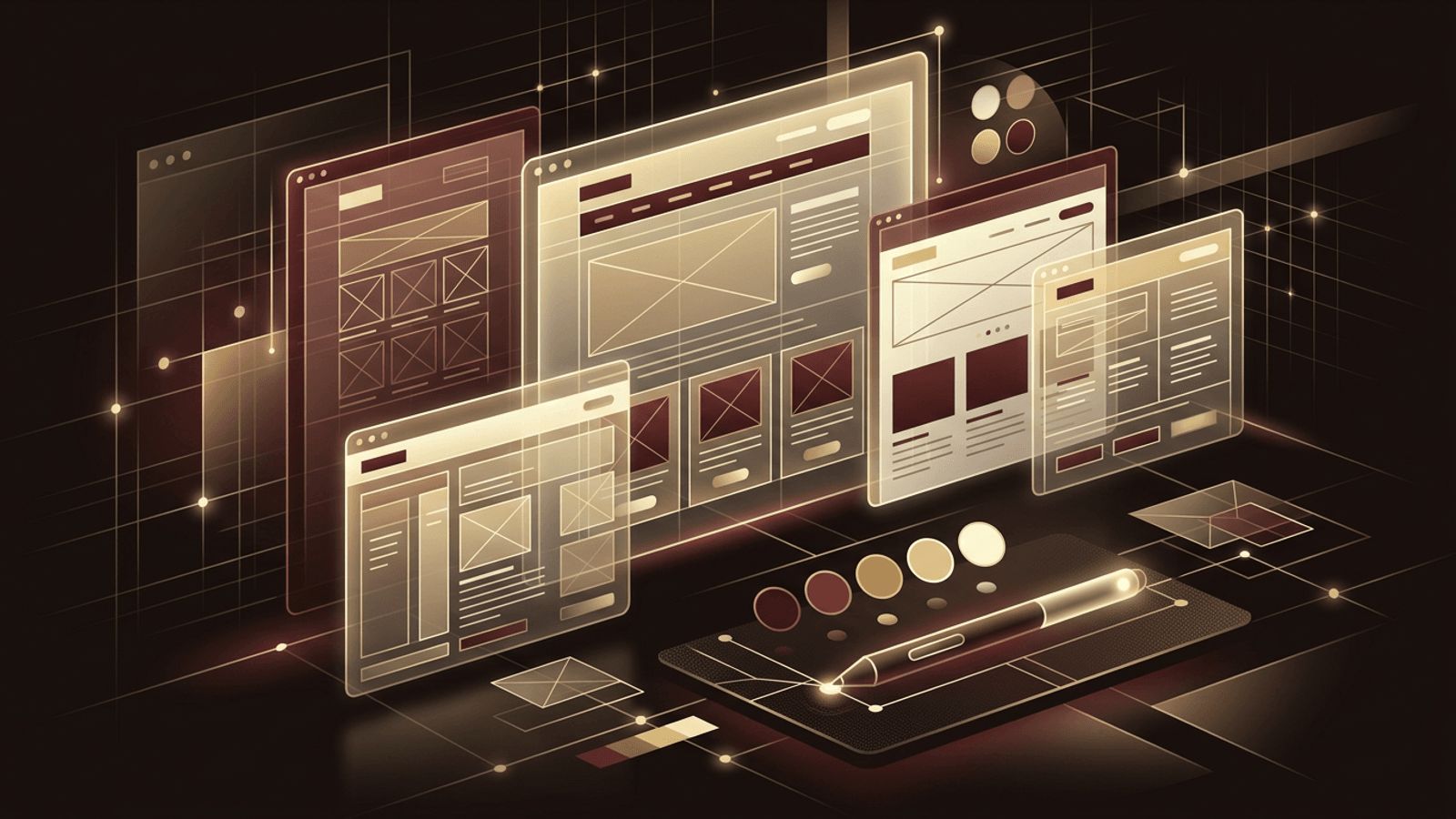
A wireframe is a low-fidelity blueprint of a page. It shows where the header, navigation, hero section, content blocks, images, and calls to action will sit without worrying about colors or fonts. Wireframing forces you to prioritize content and establish a visual hierarchy. Place the most important message at the top, support it with benefits or features, add social proof such as testimonials, and close with a clear call to action. Tools like Figma, Penpot, or even pen and paper work perfectly for this stage.
Choose a Cohesive Visual Style
Once the structure is in place, it is time to define the look and feel. Start with a limited color palette of three to five colors: a primary brand color, a secondary accent, and a few neutrals for backgrounds and text. Ensure strong contrast between text and backgrounds so your content remains readable for everyone, including visitors with visual impairments. For typography, choose no more than two font families, typically one for headings and one for body text. Consistency is the hallmark of professional design, so reuse the same spacing, button styles, and image treatments across every page.
Select the Right Platform or Builder
Your choice of platform affects how much creative control you have. Website builders such as Wix, Squarespace, and Webflow offer drag-and-drop editing and attractive templates. WordPress provides enormous flexibility through themes and plugins. If you are comfortable with code, building with HTML, CSS, and a modern framework gives you complete freedom. Consider your budget, technical skills, and long-term needs. A platform that is easy today but limiting tomorrow may force a costly migration later.
Design for Mobile First
More than half of all web traffic now comes from mobile devices, so your design must look and function beautifully on small screens. Mobile-first design means starting with the smallest layout and progressively enhancing it for tablets and desktops. Keep navigation simple, use large tap targets, avoid tiny text, and make sure images scale properly. Test your design on multiple devices and browsers to catch layout issues before your visitors do.
Focus on Usability and Accessibility
A beautiful website that is hard to use will not succeed. Keep navigation menus short and clearly labeled. Use descriptive headings so visitors can scan content quickly. Add alt text to images, ensure forms have proper labels, and make sure the site can be navigated with a keyboard. Accessibility is not only an ethical responsibility but also improves search engine optimization and broadens your potential audience.
Optimize for Speed and Search Engines
Design choices directly influence performance. Large, uncompressed images and heavy animations can slow your site to a crawl. Compress images, use modern formats such as WebP, and limit the number of external scripts. On the SEO side, write unique page titles and meta descriptions, use one main heading per page, and structure content with logical subheadings. A fast, well-structured site ranks better and keeps visitors engaged longer.
Test, Gather Feedback, and Iterate
Before launching, ask friends, colleagues, or potential customers to explore your site and complete common tasks, such as finding your pricing or submitting a contact form. Watch where they hesitate or get confused. Use this feedback to refine layouts, rewrite unclear copy, and adjust navigation. After launch, analytics tools will reveal which pages perform well and which need improvement. Website design is never truly finished; the best sites evolve continuously based on real user behavior.
Conclusion
Designing your own website is a rewarding process that combines strategy, creativity, and technical know-how. By defining your goals, planning your structure, wireframing your pages, choosing a cohesive visual style, and prioritizing mobile usability, accessibility, and performance, you can create a site that truly represents your brand. And if you ever want professional support to take your design further, partnering with an experienced agency can help you achieve a result that is both beautiful and built to grow.
