

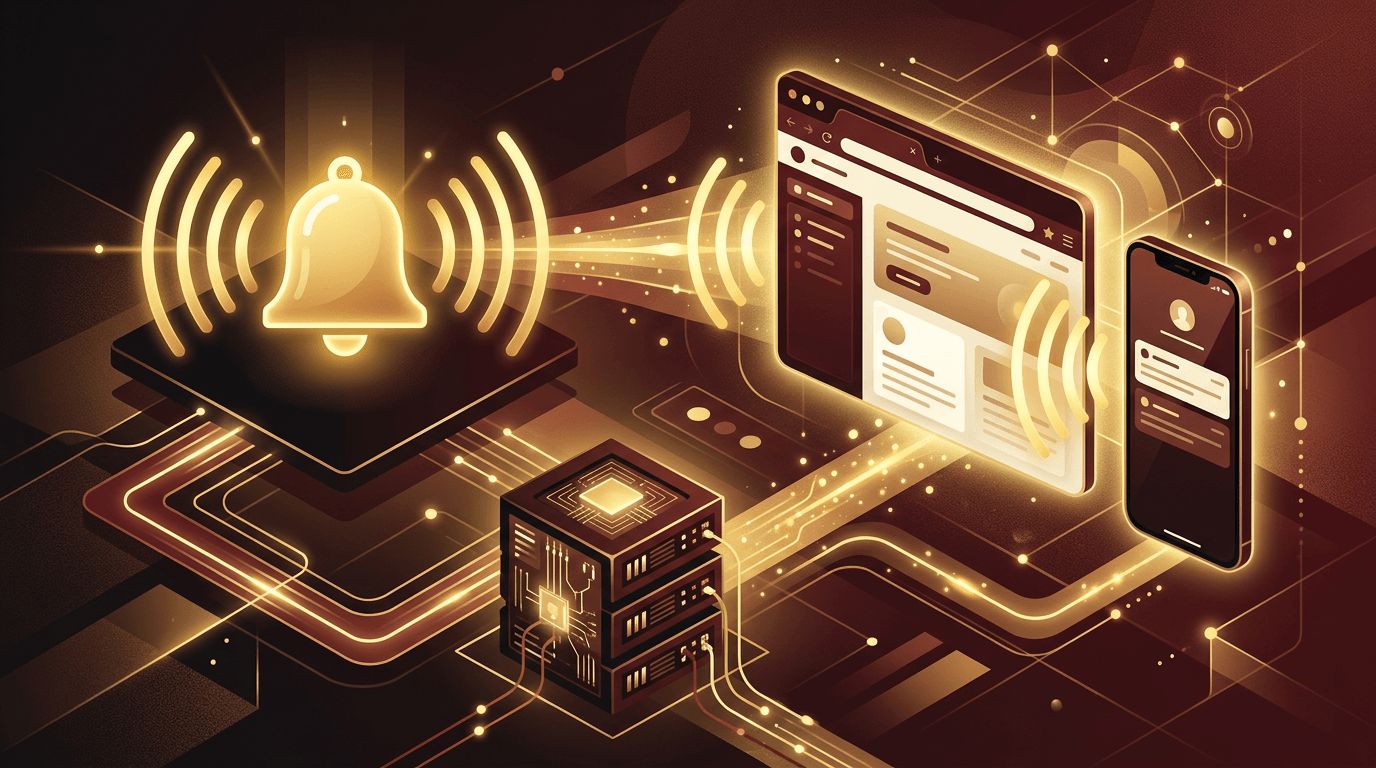
Notifications are one of the most powerful tools for keeping users informed and engaged. Whether it is a new message in a chat app, an order status update, a security alert, or a reminder about an upcoming appointment, notifications deliver timely information without forcing users to constantly refresh a page. Behind the simple bell icon or pop-up, however, is a combination of front-end logic, back-end services, and browser APIs. This article explains how notifications work in web applications and how to implement them effectively.
Build Smarter Notification Systems With AAMAX.CO
Designing reliable notification systems requires expertise across front-end, back-end, and infrastructure. AAMAX.CO is a full-service digital marketing company offering web development, digital marketing, and SEO services worldwide. They build modern web applications with real-time features such as in-app alerts, push notifications, and email triggers that are secure, scalable, and user-friendly. Their team considers both technical architecture and user experience to ensure notifications add value instead of becoming noise. Businesses that need dependable real-time functionality can hire AAMAX.CO to design and develop it.
Types of Notifications in Web Applications
- In-app notifications: Messages displayed inside the application, such as toasts, banners, badges, or a notification center.
- Browser push notifications: System-level alerts delivered through the browser, even when the app tab is closed.
- Email notifications: Messages sent to the user's inbox for important or asynchronous updates.
- SMS and messaging notifications: Text or chat messages for urgent or high-priority events.
Most mature applications use a combination of these channels, letting users choose how they want to be contacted.
The Basic Notification Flow
Regardless of channel, notifications generally follow the same lifecycle:
- Event occurs: Something happens, such as a new comment, payment, or system alert.
- Back end creates a notification: The server records the event, determines who should be notified, and stores it in a database.
- Delivery service sends it: The notification is pushed through one or more channels.
- Client receives and displays it: The user sees an alert, badge, or message.
- User interacts: The notification is marked as read, dismissed, or clicked to open related content.
How In-App Notifications Work
In-app notifications rely on the client receiving updates from the server. There are several ways to achieve this:
Polling
The browser periodically asks the server for new notifications, for example every 30 seconds. Polling is simple but inefficient, since most requests return nothing new.
Long Polling
The client sends a request that the server holds open until new data is available. This reduces wasted requests but can be complex to scale.
Server-Sent Events
Server-Sent Events (SSE) allow servers to stream updates to the browser over a single HTTP connection. SSE is excellent for one-way real-time updates such as activity feeds.
WebSockets
WebSockets create a persistent, two-way connection between client and server. They are ideal for chat apps, collaborative tools, and live dashboards where updates are frequent and bidirectional. Many teams use managed real-time services to handle scaling and connection management.
How Browser Push Notifications Work
Push notifications allow web apps to reach users even when the site is not open. They rely on three key technologies:
- Service workers: Background scripts that run independently of the web page and can receive push events.
- Push API: Enables the server to send messages to the browser through a push service operated by the browser vendor.
- Notifications API: Displays the system notification to the user.
The process works like this: the user grants permission, the browser creates a push subscription containing a unique endpoint and encryption keys, and the app sends this subscription to its server. When an event occurs, the server sends an encrypted message to the push service using VAPID authentication. The push service delivers it to the browser, the service worker wakes up, and a notification is displayed.
Storing and Managing Notifications
A robust notification system stores records in a database with fields such as recipient, type, message, related resource, created time, and read status. This enables features like notification history, unread counts, and cross-device synchronization. Queues and background workers often handle delivery so that sending thousands of notifications does not slow down the main application.
User Preferences and Permissions
Respecting user preferences is essential. Best practices include:
- Asking for push permission only after explaining the benefit
- Providing granular settings for each notification type and channel
- Offering quiet hours or digest options
- Making it easy to unsubscribe or mute notifications
- Complying with privacy regulations for data and consent
Designing Notifications Users Appreciate
Good notifications are timely, relevant, and actionable. Thoughtful website design ensures alerts are visually clear without being intrusive. Use concise language, meaningful icons, and direct links to the relevant content. Group related notifications, avoid duplicates, and use urgency levels so critical alerts stand out. Accessibility matters too: in-app alerts should be announced to screen readers using appropriate ARIA live regions.
Security Considerations
Notifications can expose sensitive information if not handled carefully. Avoid including private details in push messages that may appear on lock screens. Authenticate real-time connections, validate subscription endpoints, and ensure users only receive notifications intended for them. Rate limiting helps prevent abuse and accidental notification storms.
Scaling Notification Systems
As applications grow, notification volume can increase dramatically. Scalable web application development uses message queues, event-driven architectures, and managed real-time infrastructure to deliver notifications reliably. Monitoring delivery success, retrying failures, and cleaning up expired push subscriptions keep the system healthy.
Conclusion
Notifications in web applications combine server-side event handling, real-time communication methods like WebSockets or SSE, and browser APIs such as service workers and the Push API. When implemented thoughtfully, they keep users informed, drive engagement, and improve the overall product experience. The key is balancing technical reliability with respect for user attention and preferences.
