

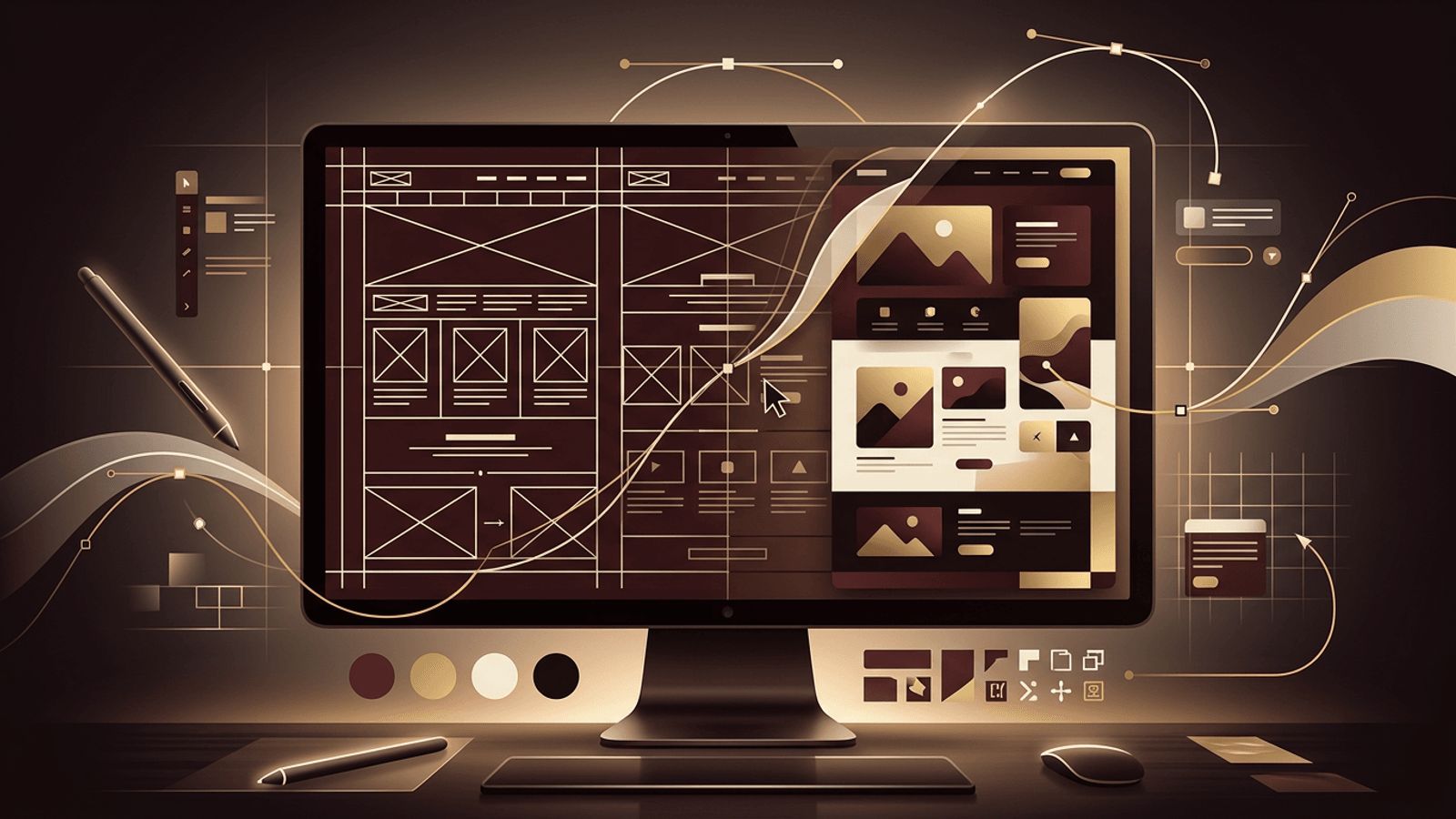
Website design shapes how people perceive your brand within seconds of arriving on your site. A thoughtful design builds trust, communicates value, and guides visitors toward meaningful actions, while a poor design can drive them away before they read a single word. Creating a website design is not just about choosing attractive colors and fonts. It is a structured process that combines research, strategy, information architecture, visual design, and usability testing. This guide walks through each stage of creating a website design that looks beautiful and performs effectively.
How AAMAX.CO Delivers Results-Driven Website Design
Professional website design requires a blend of creativity, user experience expertise, and business strategy. AAMAX.CO is a full service digital marketing company providing Web Development, Digital Marketing, and SEO Services worldwide. Their designers create custom website design solutions rooted in research and tailored to each brand's audience and goals. Because they also offer development and SEO, their designs are built to be implemented efficiently, load quickly, and rank well in search engines.
Step 1: Define Goals and Understand the Audience
Every effective design begins with clarity. Identify the primary goals of the website, such as generating leads, selling products, providing information, or building community. Define your target audience, including their needs, motivations, pain points, and the devices they use. Create user personas that represent key audience segments. These insights ensure your design decisions are guided by real people rather than personal preferences.
Step 2: Research Competitors and Inspiration
Study competitor websites to understand industry conventions and identify opportunities to stand out. Note what works well and what feels frustrating. Gather inspiration from design galleries and websites outside your industry. Create a mood board that captures the visual direction, including colors, typography, imagery styles, and layout ideas. Research gives your design a strong strategic foundation.
Step 3: Plan Information Architecture
Information architecture organizes content so visitors can find what they need easily. Create a sitemap listing all pages and their relationships. Group related content logically and plan a clear navigation structure. Most visitors should reach important information within two or three clicks. Use familiar labels for navigation items rather than clever but confusing terms.
Step 4: Create Wireframes
Wireframes are simple, low-fidelity layouts that define the structure of each page without colors or detailed visuals. They focus on content hierarchy, placement of key elements, and user flow. Start with the most important pages, such as the home page, service or product pages, and contact page. Wireframing allows you to test and refine layouts quickly before investing time in visual details.
Step 5: Establish a Visual Design System
A design system ensures consistency across your entire website. Define these core elements:
- Color palette: A primary brand color, supporting neutrals, and accent colors for calls to action, with sufficient contrast for accessibility.
- Typography: One or two font families with defined sizes and weights for headings, body text, and captions.
- Spacing and grid: A consistent spacing scale and layout grid that keeps elements aligned.
- Components: Reusable elements such as buttons, forms, cards, navigation bars, and footers.
- Imagery and icons: Guidelines for photography style, illustrations, and icon sets.
Step 6: Design High-Fidelity Mockups
Using your wireframes and design system, create detailed mockups in a design tool such as Figma. Apply colors, typography, imagery, and real content wherever possible, because placeholder text can hide layout issues. Pay careful attention to visual hierarchy, guiding the eye toward headlines, key messages, and calls to action. Use white space generously to create a clean, uncluttered appearance.
Step 7: Design for Every Screen Size
Most web traffic comes from mobile devices, so design with a mobile-first mindset. Create layouts for mobile, tablet, and desktop screens, ensuring content adapts gracefully. Make buttons large enough to tap easily, keep navigation simple on small screens, and prioritize essential content. Responsive design is essential for both user experience and search engine rankings.
Step 8: Prioritize Accessibility
An accessible website can be used by everyone, including people with disabilities. Ensure sufficient color contrast between text and backgrounds, use readable font sizes, provide visible focus states for keyboard navigation, and design clear form labels and error messages. Plan for alternative text on images. Accessibility improves usability for all visitors and helps meet legal requirements.
Step 9: Prototype and Test
Turn your mockups into interactive prototypes that simulate navigation and key interactions. Test them with real users by asking them to complete specific tasks, such as finding a service or submitting a contact form. Observe where they hesitate or become confused. Use their feedback to refine the design before development begins, which is far less expensive than making changes later.
Step 10: Prepare for Development Handoff
Once the design is finalized, prepare it for developers. Organize design files clearly, document the design system, specify interactions and animations, and export optimized assets. Collaborate closely with developers during implementation to ensure the final website matches the design and performs well.
Conclusion
Creating a website design is a strategic process that begins with understanding goals and audiences, continues through research, information architecture, wireframing, visual design, responsive layouts, and accessibility, and concludes with testing and developer handoff. By following this process, you create a design that not only looks impressive but also guides visitors effectively and supports your business objectives. Great design is an investment that pays off with every visitor who becomes a customer.
