

Introduction
Creating a web page of your own is one of the most rewarding digital projects you can take on. Whether you want a personal portfolio, a small business presence, a resume page, or a space to share your hobby, having a page you designed yourself gives you full control over how the world sees you online. If you have been asking how to design my own web page, the good news is that today's tools make it easier than ever. This guide walks you through every step, from planning and design decisions to building, testing, and launching your page.
When to Bring in AAMAX.CO for Expert Help
Designing your own page is a great learning experience, but there are times when professional help makes a big difference, especially if the page represents your business or career. AAMAX.CO is a full service digital marketing company offering web development, digital marketing, and SEO services worldwide. Their team can review your design, improve usability, optimize performance, and make sure your page ranks in search results. If you want a page that looks polished and attracts visitors, their website design services can transform your ideas into a professional online presence.
Step 1: Clarify Your Goal
Every good web page starts with a purpose. Ask yourself what you want visitors to do. Should they contact you, view your work, book a service, buy a product, or simply learn about you? Your goal determines what content to include and which call to action should be most prominent. Write your goal down and keep it in mind throughout the design process.
Step 2: Know Your Audience
Think about who will visit your page. A portfolio aimed at hiring managers needs a professional tone and easy access to your resume, while a page for a local bakery should feel warm and highlight location and hours. Understanding your audience helps you choose the right language, visuals, and layout.
Step 3: Choose How You Will Build It
There are several ways to create your own web page, each with advantages.
- Website builders: Drag-and-drop platforms are beginner-friendly and require no coding.
- Content management systems: Platforms like WordPress offer flexibility, themes, and plugins.
- Hand-coding: Writing HTML and CSS gives you full control and teaches valuable skills.
- Design-to-code tools: Some tools let you design visually and export or publish directly.
Choose the option that matches your skills, time, and long-term goals.
Step 4: Plan Your Content
Content is the most important part of your page. Write a clear headline that explains who you are or what you offer. Prepare a short introduction, sections describing your services or projects, testimonials if you have them, and contact information. Gather high-quality images that represent you or your work. Having content ready before designing makes layout decisions much easier.
Step 5: Sketch a Layout
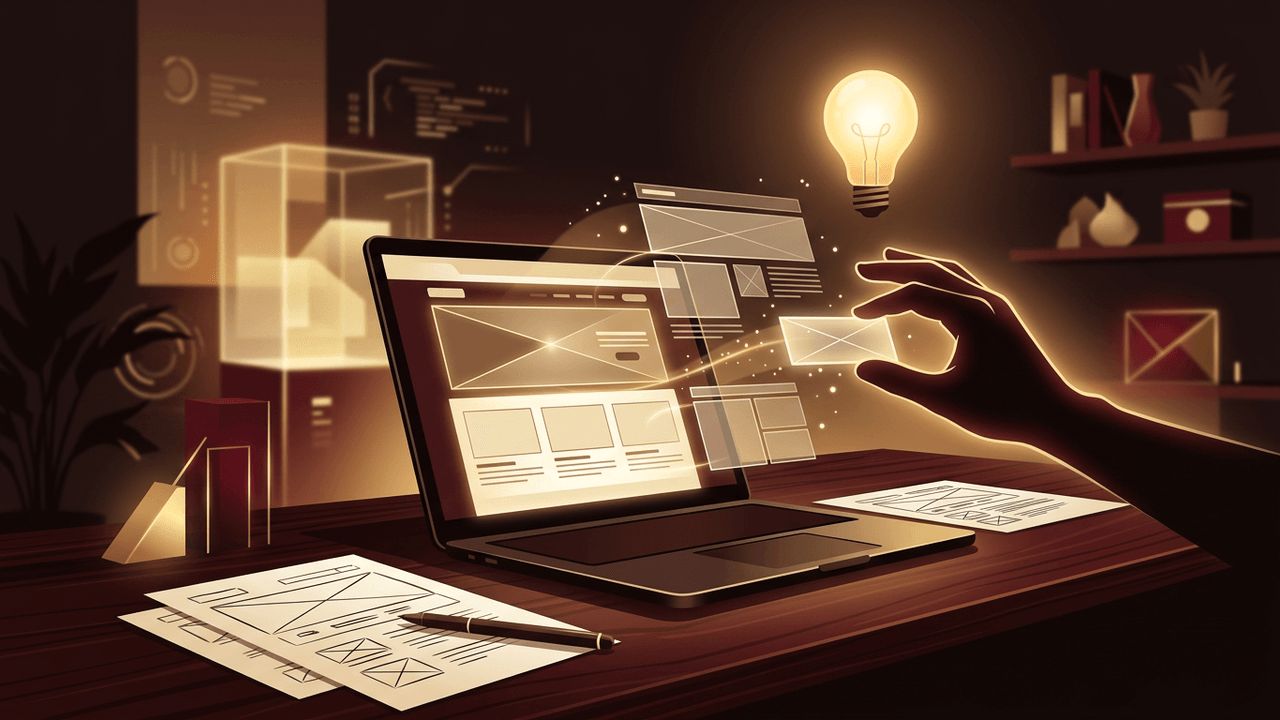
Draw a simple wireframe on paper. A typical personal or small business page includes a header with your name or logo and navigation, a hero section with a headline and call to action, an about section, a services or portfolio section, testimonials, and a contact section with a footer. Arrange sections in an order that guides visitors toward your main goal.
Step 6: Choose Colors and Fonts
Select a small color palette of three to five colors: a main brand color, a neutral background, a text color, and an accent for buttons. Make sure text contrasts strongly with the background for readability. For fonts, choose one or two typefaces that are easy to read and match your personality, such as a clean sans-serif for a modern feel or a serif for a classic look.
Step 7: Build the Page
Using your chosen platform, start building section by section. Keep the design clean and use plenty of white space. Align elements consistently, keep paragraphs short, and use headings to break up content. Make your call-to-action buttons stand out with your accent color. If you are coding, use semantic HTML and an external stylesheet.
Step 8: Make It Mobile-Friendly
Many visitors will view your page on a phone. Check that text is readable without zooming, buttons are easy to tap, and images resize correctly. Most modern builders and themes are responsive by default, but always preview your page on a real mobile device.
Step 9: Optimize for Search and Speed
Give your page a descriptive title and meta description, use relevant keywords naturally in headings and text, and add alt text to images. Compress images to keep the page fast. A quick, well-optimized page provides a better experience and is more likely to appear in search results.
Step 10: Test and Launch
Before launching, check every link, test your contact form, and proofread all text. Ask friends or colleagues for feedback. Then choose a domain name that is short and memorable, connect it to your hosting, and publish your page. After launch, update your content regularly to keep it fresh and relevant.
Conclusion
Learning how to design your own web page is an empowering process that combines creativity with practical planning. By clarifying your goal, understanding your audience, preparing content, choosing a clean visual style, and optimizing for mobile and search, you can create a page that represents you well. As your needs grow, you may want expert help to take your page to the next level, and AAMAX.CO can provide the design and development skills to make your online presence truly professional.
