

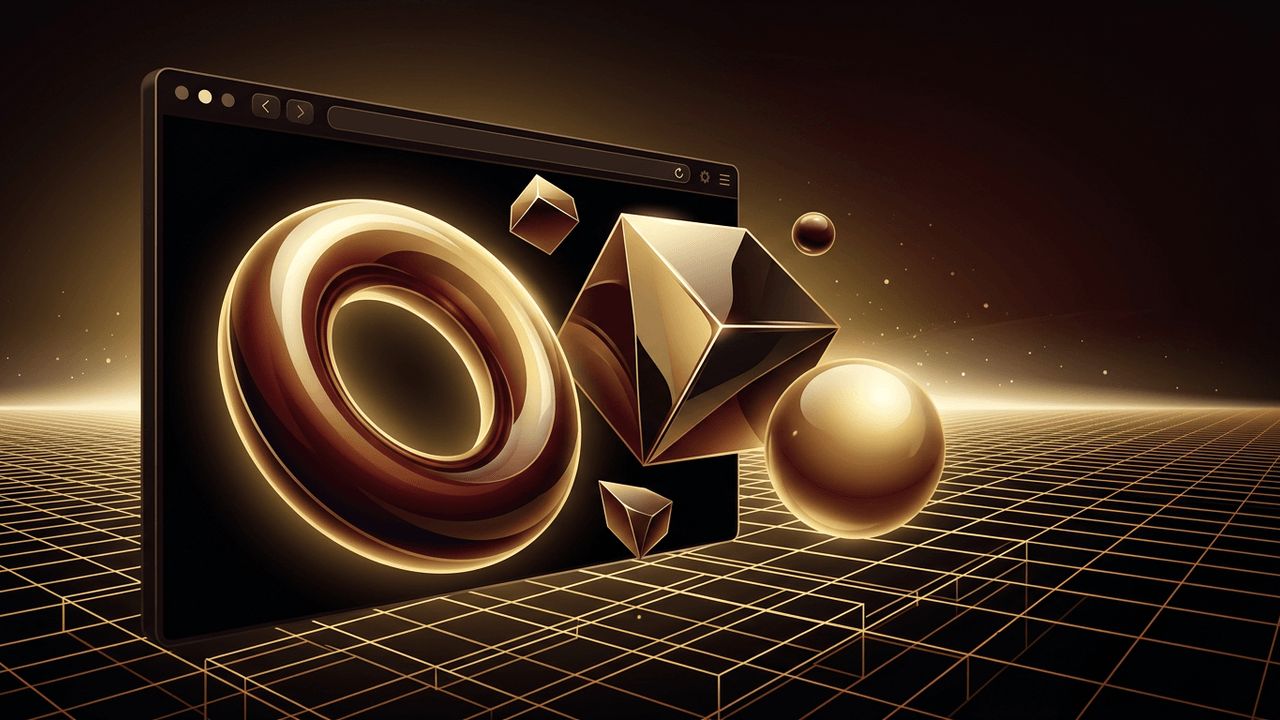
Three-dimensional elements can transform an ordinary website into a memorable, immersive experience. From rotating product models and interactive scenes to subtle depth effects on cards and buttons, 3D web design helps brands stand out and keeps visitors engaged. Thanks to modern browser technologies like WebGL and powerful libraries such as Three.js, creating 3D experiences on the web is more accessible than ever. In this guide, you will learn the main approaches to 3D web design, the tools that make it possible, and the best practices that keep your 3D site fast, accessible, and effective.
Bring Your 3D Vision to Life With AAMAX.CO
3D web experiences require a blend of creative design, technical development, and performance tuning. If you want an immersive website without the steep learning curve, consider hiring AAMAX.CO. They are a full service digital marketing company offering web development, digital marketing, and SEO services worldwide. Their creative website design team crafts striking visual concepts, while their developers build interactive 3D experiences through advanced web application development, ensuring everything runs smoothly across devices.
Start With a Clear Purpose
Before adding 3D, ask what it should accomplish. Great 3D design serves a goal, such as letting customers inspect a product from every angle, explaining a complex process visually, telling a brand story, or creating a playful, memorable first impression. 3D for its own sake can distract users and slow down pages, so define the role it plays in your user journey.
Approach 1: CSS 3D Transforms
The simplest way to add depth is with CSS. Properties like perspective, transform-style: preserve-3d, and rotateX, rotateY, and translateZ let you create flipping cards, rotating cubes, and parallax depth effects without any libraries.
.scene {
  perspective: 1000px;
}
.card {
  transform-style: preserve-3d;
  transition: transform 0.6s;
}
.card:hover {
  transform: rotateY(180deg);
}
CSS 3D is lightweight, works everywhere, and is ideal for interface elements like cards, galleries, and hover effects.
Approach 2: Three.js and WebGL
For true 3D scenes with lighting, materials, and models, Three.js is the most popular library. It simplifies WebGL, the browser technology that renders graphics using the device's GPU. A basic Three.js scene includes a renderer, a camera, a scene, lights, and objects called meshes. You can load 3D models in the efficient glTF format, add animations, and respond to mouse or scroll interactions. Three.js powers many award-winning websites and product configurators.
Approach 3: React Three Fiber
If your site is built with React or Next.js, React Three Fiber lets you build Three.js scenes using familiar components. Its companion library, Drei, provides ready-made helpers such as camera controls, environment lighting, text, and model loaders. This approach integrates 3D seamlessly with the rest of your application state and UI.
Approach 4: No-Code and Low-Code Tools
Designers who prefer visual tools can use platforms like Spline, which lets you design interactive 3D scenes in a browser and embed them in a website with a single code snippet. Website builders such as Webflow and Framer also support embedded 3D content. These tools are perfect for prototypes, hero sections, and teams without dedicated 3D developers.
Creating and Preparing 3D Models
3D models can be created in software like Blender, which is free and powerful, or purchased from model marketplaces. For the web, export models in glTF or GLB format, which are designed for fast loading. Optimize them by reducing polygon counts, compressing textures, and using tools like Draco compression or gltf-transform. A well-optimized model may be just a fraction of the original file size.
Design Principles for 3D Websites
- Keep navigation simple: 3D should enhance the experience, not make it harder to find information.
- Guide attention: Use lighting, camera movement, and composition to direct users to key content.
- Use scroll-driven storytelling: Tie 3D animations to scrolling to reveal content gradually.
- Balance 3D with clear text: Important information should remain readable and indexable HTML.
- Stay on brand: Choose colors, materials, and motion that reflect your brand identity.
Performance Optimization
3D content can be demanding, especially on mobile devices. Keep experiences fast by lazy loading 3D scenes only when they are near the viewport, displaying a lightweight placeholder image while models load, limiting the device pixel ratio, reducing real-time shadows and post-processing effects, and pausing rendering when the scene is off screen. Test on mid-range phones, not just powerful desktops.
Accessibility Considerations
Not every user can interact with or perceive 3D content. Provide text descriptions of important 3D visuals, ensure all functionality is available without the 3D scene, respect the prefers-reduced-motion setting by reducing animations, and make interactive controls keyboard accessible. A static fallback image is essential for devices that do not support WebGL.
SEO Considerations
Search engines cannot interpret 3D scenes the way humans do. Keep headings, product descriptions, and key information in regular HTML. Use descriptive metadata and structured data, and make sure 3D content does not delay the loading of your main text content.
Testing and Launching
Test your 3D experience across browsers, operating systems, and devices. Measure Core Web Vitals to ensure 3D content does not harm load times or responsiveness. Gather feedback from real users to confirm the experience is intuitive and engaging rather than confusing.
Conclusion
Making 3D web design is an exciting way to create standout digital experiences. Start with a clear purpose, choose the right approach, whether CSS transforms, Three.js, React Three Fiber, or visual tools like Spline, and optimize models and scenes for performance. With thoughtful design, accessibility, and SEO practices, your 3D website can be both visually stunning and genuinely useful.
