

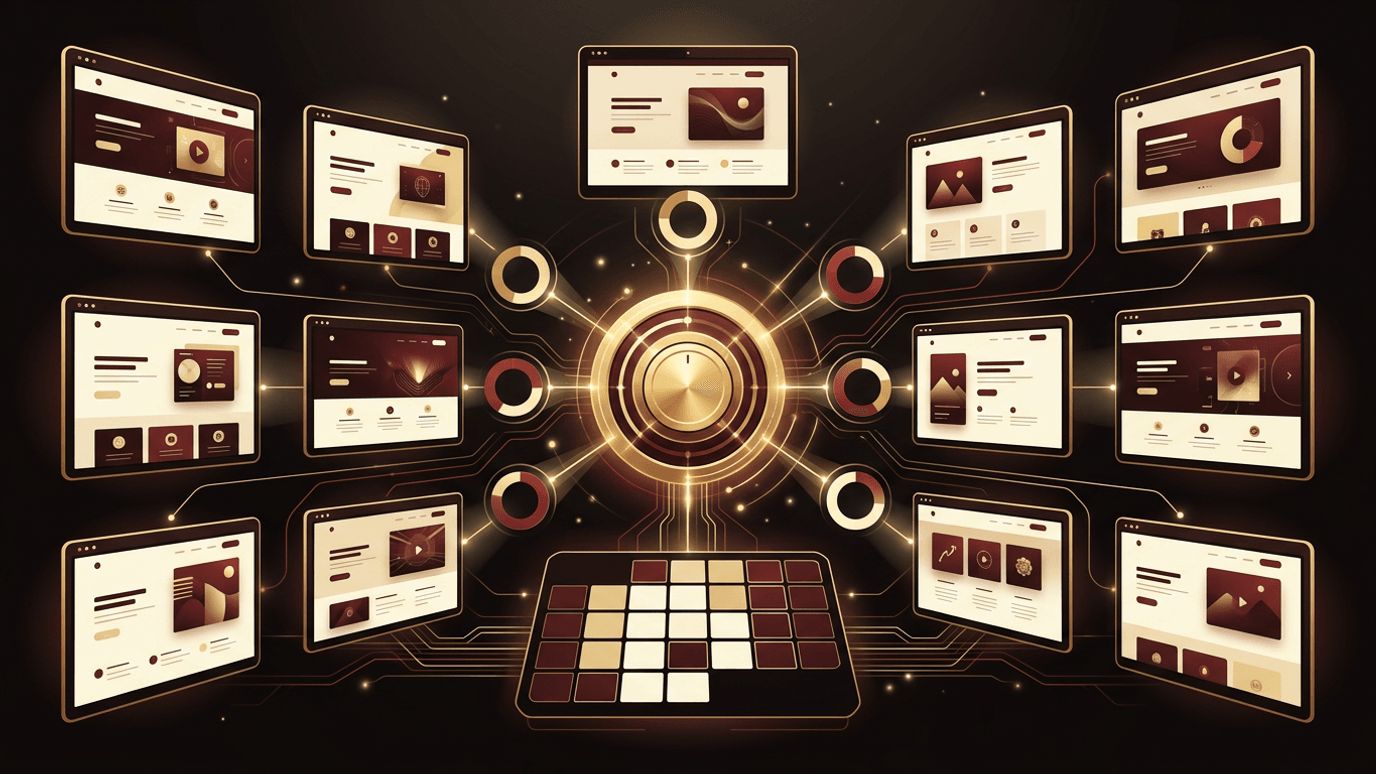
Designers, freelancers, and agencies rarely work on just one website at a time. Managing multiple web design projects simultaneously means balancing different clients, deadlines, budgets, and creative requirements, often with the same limited team. Without strong systems, details get missed, priorities clash, and quality suffers.
The key to managing many projects successfully is creating repeatable processes that bring consistency without stifling creativity. With standardized workflows, clear resource planning, and the right tools, you can deliver excellent work across your entire portfolio. This guide explains how to manage web design projects efficiently and keep every client happy.
Rely on AAMAX.CO for Consistent Delivery
Organizations with multiple websites or ongoing design needs benefit from partners with established, scalable processes. AAMAX.CO is a full-service digital marketing company offering web development, digital marketing, and SEO services worldwide. They manage numerous projects concurrently using proven workflows that maintain quality and meet deadlines. Businesses and agencies seeking a dependable partner can count on their website design team to deliver polished, on-brand websites while keeping communication clear and projects moving forward.
Standardize Your Design Process
A consistent process is the foundation of managing multiple projects. Define standard phases that every project follows, such as discovery, strategy, sitemap and wireframes, visual design, development handoff, quality assurance, and launch. Document the activities, deliverables, and approvals required at each stage.
Standardization helps teams know exactly what to do next, makes timelines easier to estimate, and ensures nothing important is skipped. You can still tailor details to each client while relying on a proven framework.
Create Reusable Templates and Assets
Templates save significant time across projects. Develop standard proposals, statements of work, discovery questionnaires, project briefs, content request forms, and launch checklists. In design tools such as Figma, maintain starter files with grid systems, common components, and wireframe kits that accelerate early design phases.
A shared component library and design system can also speed up work while maintaining quality, especially when clients need similar functionality such as contact forms, testimonials, or service listings.
Streamline Client Onboarding
A smooth onboarding process sets expectations from the start. Hold a kickoff meeting to introduce the team, review goals, confirm timelines, and explain how communication and feedback will work. Collect brand assets, logins, content, and other materials early using a structured checklist.
Provide clients with a simple roadmap showing project phases and their responsibilities, such as delivering content and providing feedback by specific dates. Clear expectations reduce delays caused by missing information.
Plan Resources and Capacity
Managing multiple projects requires understanding your team's capacity. Use resource planning tools or a shared calendar to see who is working on what and when. Avoid overbooking designers, as overload leads to burnout, errors, and missed deadlines.
Stagger project start dates so intensive phases, such as visual design, do not all occur at the same time. When demand exceeds capacity, consider adjusting timelines, hiring freelancers, or partnering with trusted agencies.
Prioritize Effectively
When multiple projects compete for attention, prioritization becomes critical. Rank tasks based on deadlines, client commitments, dependencies, and business impact. Review priorities weekly with your team and communicate any changes promptly.
Protect focus by grouping similar tasks and minimizing context switching. Designers are more productive when they can dedicate uninterrupted blocks of time to one project rather than constantly jumping between several.
Use Centralized Project Management Tools
A centralized platform gives everyone visibility into all active projects. Tools such as Asana, ClickUp, Monday.com, Notion, and Teamwork allow you to track tasks, timelines, and responsibilities across your portfolio. Dashboard and portfolio views help managers spot at-risk projects quickly.
Integrate project management tools with design platforms, file storage, and communication tools so information flows smoothly and nothing gets lost in email threads.
Manage Feedback and Revisions
Feedback management can make or break timelines. Use tools that allow clients to comment directly on designs, consolidating feedback in one place. Define the number of revision rounds in your contract and request consolidated feedback from each client's stakeholders.
Track revision requests against scope. When clients request changes outside the agreed scope, document them and discuss impacts on cost and schedule.
Maintain Quality Across Projects
Quality can slip when teams are busy. Implement design reviews where senior designers or peers evaluate work before it reaches clients. Use quality assurance checklists covering responsiveness, accessibility, brand consistency, and usability. Consistent quality standards protect your reputation and reduce rework.
Track Performance and Profitability
Monitor time spent versus estimates, budgets, and client satisfaction for each project. These metrics reveal which project types are most profitable, where estimates need adjustment, and where processes can improve. Conduct retrospectives after major launches to capture lessons learned and refine your workflows.
Conclusion
Learning how to manage web design projects effectively allows you to grow without sacrificing quality or sanity. By standardizing processes, creating reusable templates, streamlining onboarding, planning capacity, prioritizing wisely, centralizing project management, controlling feedback and revisions, maintaining quality standards, and tracking performance, you can deliver outstanding websites across many clients at once. Strong systems free your team to focus on what matters most: creating exceptional designs.
