

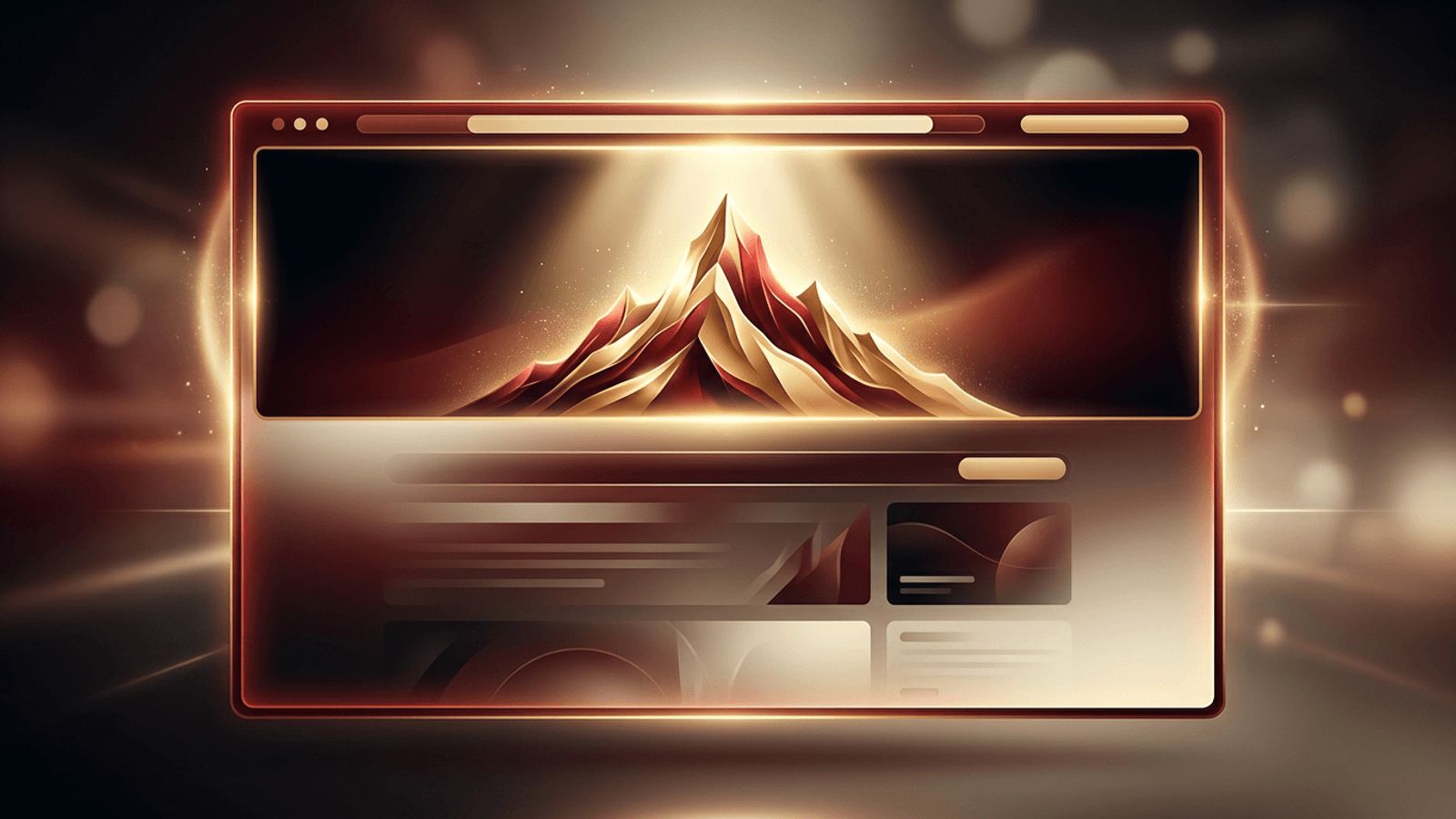
If you have ever worked with a web designer, you may have heard them talk about the hero, the hero image, or the hero section. To someone outside the industry, the term can sound strange. Does it involve superheroes? Not quite. In web design, the hero refers to the large, prominent area at the top of a web page that visitors see first, before scrolling. It is the digital equivalent of a storefront window, and it plays a critical role in shaping first impressions. In this article, we explain what hero means in web design, where the term comes from, and how to make the most of this valuable space.
How AAMAX.CO Designs Heroes That Convert
Creating an effective hero requires a balance of visual storytelling, clear messaging, and conversion strategy, and AAMAX.CO brings all three together. They are a full-service digital marketing company offering web development, digital marketing, and SEO services worldwide. Their website design team crafts hero areas with compelling headlines, striking visuals, and strategically placed calls to action that capture attention within seconds. Because they also understand performance and SEO, they ensure hero images and videos load quickly and do not harm search rankings. Their approach helps businesses make a powerful first impression and guide visitors toward meaningful action.
The Meaning of Hero in Web Design
In web design, hero describes the most important and prominent visual element on a page, typically placed at the top. It usually spans the full width of the screen and includes a large image, illustration, or video, often accompanied by a headline, a short supporting statement, and a call-to-action button. The hero is designed to communicate the core message of the page immediately and encourage visitors to keep exploring.
Where Does the Term Come From?
The term has roots in marketing and retail. In print advertising and product packaging, the hero shot is the main image that showcases a product in its best light. Retailers also used the term for prominent displays featuring their flagship products. When websites emerged, designers adopted the term to describe the main visual feature at the top of a page. Just as a hero in a story takes center stage, the hero in web design takes center stage on the screen.
Hero Image, Hero Section, and Hero Banner
These terms are often used interchangeably, but there are subtle differences:
- Hero image: The large visual itself, such as a photograph, illustration, or graphic.
- Hero section: The entire area at the top of the page, including the image, headline, text, and buttons.
- Hero banner: A term often used when the hero is a wide, horizontal strip, sometimes with rotating slides.
Why the Hero Matters
It Creates the First Impression
Research consistently shows that users form opinions about a website within moments. The hero is the first thing they see, so it heavily influences whether they stay or leave.
It Communicates Value Quickly
A well-designed hero tells visitors what the business does and why it matters to them, without requiring them to scroll or read extensively.
It Guides Action
By including a clear call to action, the hero directs visitors toward the next step, such as requesting a quote, browsing products, or signing up.
It Establishes Brand Identity
Colors, imagery, and typography in the hero set the tone for the entire website and reinforce brand recognition.
Common Types of Hero Designs
- Full-screen image heroes: A striking photo that fills the viewport with overlaid text.
- Split-screen heroes: Text on one side and imagery on the other, creating balance.
- Video background heroes: Short, looping videos that add motion and emotion.
- Illustrated heroes: Custom illustrations that convey personality and creativity.
- Product-focused heroes: Showcasing a product or app interface front and center.
- Minimal text heroes: Bold typography with little or no imagery for a clean, modern look.
Best Practices for Designing a Hero
Write a Clear, Compelling Headline
Your headline should describe the benefit you offer in just a few words. Avoid vague slogans that leave visitors guessing.
Support With Concise Copy
A short subheading can add context, explain your value proposition, or address a key customer pain point.
Use High-Quality, Relevant Visuals
Images should reflect your brand and audience. Generic stock photos can weaken credibility, while authentic visuals build trust.
Include a Strong Call to Action
Use action-oriented button text and make the button visually distinct. Limit the hero to one or two primary actions to avoid confusion.
Ensure Readability
Text placed over images must have sufficient contrast. Overlays, gradients, or text containers can improve legibility.
Optimize for Performance
Large images and videos can slow down page loading. Compress media, use modern formats, and prioritize the hero image so it loads quickly.
Design for Mobile
On smaller screens, the hero should adapt gracefully. Shorten headlines, stack elements vertically, and ensure buttons are easy to tap.
Common Hero Mistakes
Avoid cluttering the hero with too much text, using auto-rotating carousels that users ignore, relying on images that do not relate to your offering, or hiding the call to action. Each of these mistakes can reduce engagement and conversions.
Final Thoughts
In web design, the hero is the star of the page. It is the first element visitors encounter and the one most responsible for capturing their attention, communicating value, and inspiring action. By combining a clear headline, compelling visuals, readable text, and a strong call to action, businesses can transform this prime real estate into a powerful tool for engagement and growth.
