

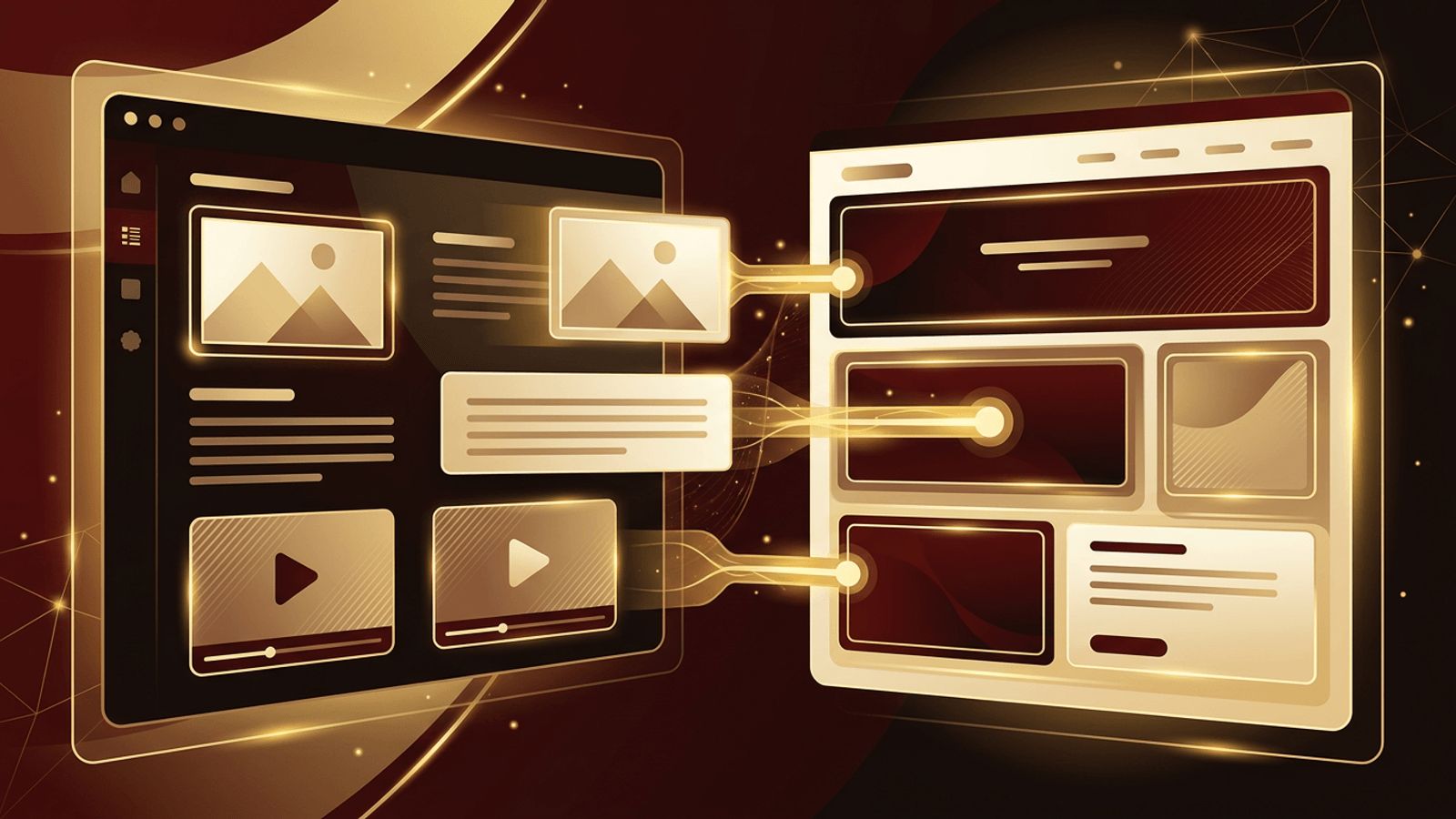
Not long ago, updating a website meant contacting a developer to change code every time you wanted to edit a paragraph, add a blog post, or swap an image. Content management systems changed that completely. Today, most business websites are built on a CMS, allowing owners and marketing teams to manage content themselves through user-friendly dashboards. CMS web design refers to the process of designing and building websites on these platforms. This article explains what CMS web design is, how it works, the types of CMS available, and best practices for creating a successful CMS-powered website.
How AAMAX.CO Builds Flexible CMS-Powered Websites
A CMS website should be easy for your team to manage while still delivering excellent design, speed, and SEO. AAMAX.CO is a full-service digital marketing company offering web development, digital marketing, and SEO services worldwide. They select the right CMS for each client's needs, design custom templates, and configure intuitive editing experiences so teams can publish content confidently. Through their website development services, they build secure, scalable CMS websites that grow alongside a business without requiring constant developer involvement.
What Is a Content Management System?
A content management system is software that allows users to create, edit, organize, and publish digital content without writing code. It separates content from design, storing text, images, and other assets in a database and displaying them through templates. Users interact with an admin interface that often resembles a word processor, making it easy to add pages, write blog posts, upload media, and update information.
What Is CMS Web Design?
CMS web design is the practice of designing and developing a website on top of a content management system. Designers create layouts and templates that define how content appears, while developers configure the CMS, build custom components, and set up content structures. The result is a website where the visual design remains consistent, but content can be changed easily by non-technical users.
Good CMS web design considers two audiences: the visitors who experience the website and the editors who manage it. Both experiences must be intuitive and efficient.
Types of Content Management Systems
Traditional (coupled) CMS: In a traditional CMS, the back-end content management and front-end presentation are tightly connected. Popular open-source platforms fall into this category, offering themes, plugins, and built-in templates. They are well suited to blogs, business websites, and many ecommerce stores.
Headless CMS: A headless CMS manages content but does not control how it is displayed. Content is delivered through APIs to any frontend, such as a website built with a modern JavaScript framework, a mobile app, or digital signage. Headless systems offer flexibility, performance, and omnichannel publishing, but typically require more development expertise.
Website builders: Hosted platforms that combine CMS functionality with drag-and-drop design tools. They are easy to start with but may limit customization and scalability.
Ecommerce CMS: Platforms specifically designed for online stores, combining product management, payments, and inventory with content tools.
Benefits of CMS Web Design
- Easy content updates: Non-technical staff can publish and edit content quickly, keeping the website fresh.
- Consistent design: Templates ensure every page follows brand guidelines, even as new content is added.
- Collaboration: User roles and permissions allow multiple team members to contribute safely, with workflows for review and approval.
- SEO tools: Most CMS platforms support custom titles, meta descriptions, clean URLs, sitemaps, and structured data.
- Scalability: Websites can grow from a few pages to thousands without redesigning the entire structure.
- Extensibility: Plugins, integrations, and custom modules add features such as forms, ecommerce, multilingual support, and analytics.
- Cost efficiency: Reduced reliance on developers for routine updates lowers long-term maintenance costs.
Challenges of CMS Websites
CMS websites are not without challenges. Popular platforms can be targets for hackers if software, themes, and plugins are not kept updated. Too many plugins can slow performance and create compatibility issues. Generic themes may make websites look similar to competitors. And poorly structured content models can make editing confusing. Professional CMS web design addresses these issues through custom development, careful plugin selection, performance optimization, and thoughtful content architecture.
Best Practices for CMS Web Design
Choose the right platform: Consider your content volume, technical resources, integrations, budget, and growth plans before selecting a CMS.
Plan the content model: Define content types, fields, and relationships, such as services, team members, case studies, and blog posts, so editors can enter information in a structured way.
Design flexible components: Create reusable blocks that editors can combine to build new pages without breaking the design.
Prioritize performance: Optimize images, minimize plugins, implement caching, and use a CDN to keep pages fast.
Secure the website: Use strong passwords, two-factor authentication, regular updates, backups, and security monitoring.
Train your team: Provide documentation and training so editors understand how to manage content correctly.
Build in SEO from the start: Configure URL structures, metadata fields, redirects, and sitemaps during development.
Custom CMS Design vs. Templates
Templates offer a quick, affordable starting point, but they often include unnecessary features and generic designs. Custom CMS design creates templates tailored to your brand, content, and goals, resulting in a faster, more distinctive, and easier-to-manage website. For businesses that depend on their website for leads and sales, custom design typically delivers a stronger return on investment.
Conclusion
CMS web design is the process of building websites on content management systems that let non-technical users create and manage content easily. Whether using a traditional, headless, or ecommerce CMS, the goal is to combine an excellent visitor experience with an intuitive editing experience. With thoughtful planning, custom design, and attention to performance and security, a CMS website becomes a flexible, scalable platform that supports long-term business growth.
