

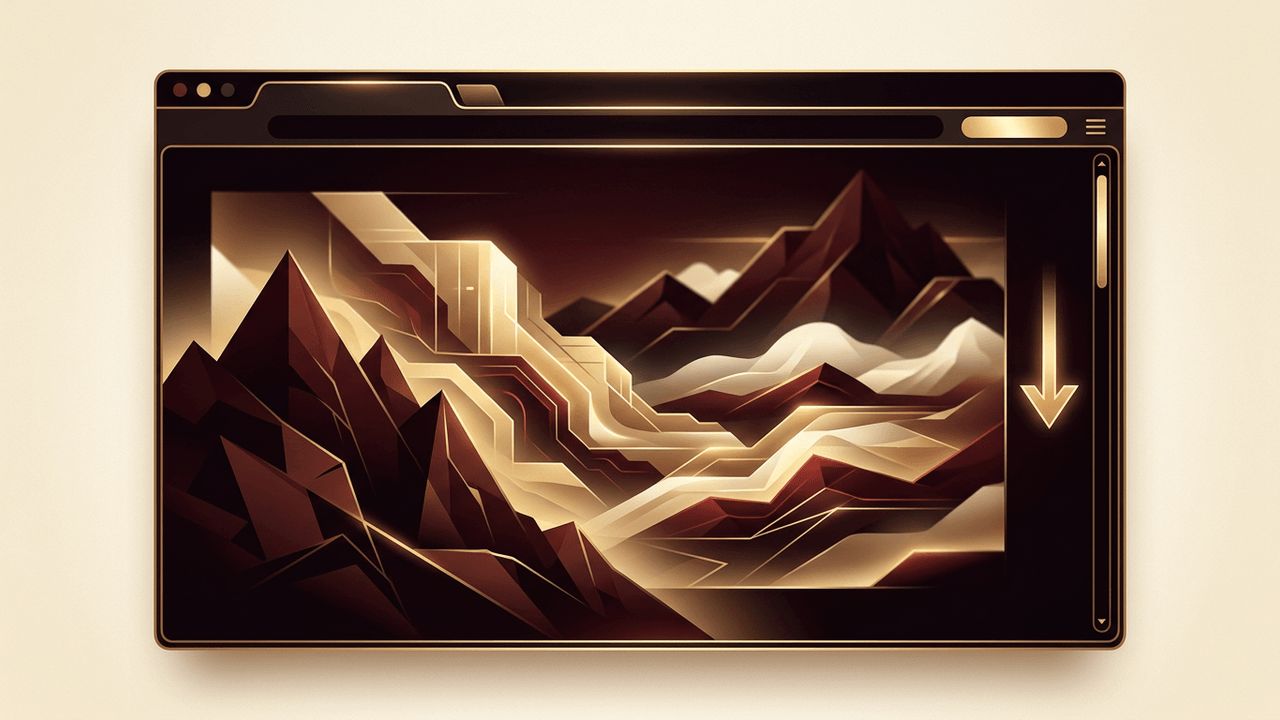
Some websites feel almost cinematic. As you scroll, background images drift slowly while foreground content glides past, creating a sense of depth and motion that draws you into the story. This visual technique is known as the parallax effect. In web design, the parallax effect is a scrolling technique in which different layers of a webpage move at different speeds, simulating the way objects at different distances appear to move when you are in motion. When used thoughtfully, parallax can make a website memorable, immersive, and engaging.
How AAMAX.CO Creates Immersive Web Experiences
Parallax effects can elevate a brand's website, but only when they are designed with balance and built with performance in mind. AAMAX.CO is a full service digital marketing company offering web development, digital marketing, and SEO services worldwide. Their website design team uses motion purposefully, creating smooth, lightweight scrolling effects that enhance storytelling without slowing pages down or overwhelming visitors. They also ensure these experiences remain accessible and mobile-friendly, so every user enjoys a polished result.
What Is the Parallax Effect?
The term parallax comes from the Greek word for "alternation." In the physical world, parallax describes how nearby objects appear to move faster than distant ones when you change your viewpoint, like trees rushing past a car window while mountains in the distance barely move. Web designers recreate this phenomenon by moving background layers more slowly than foreground layers as users scroll. The result is a layered, three-dimensional feeling on a flat screen.
Parallax scrolling became popular in video games decades ago and was later adopted in web design as browsers and CSS capabilities improved.
How Parallax Scrolling Works
A parallax effect is created by dividing a page section into multiple layers, such as a background image, midground graphics, and foreground text. As the user scrolls, each layer is moved at a different rate. Designers can achieve this with CSS techniques, such as fixed backgrounds or 3D transforms with perspective, or with JavaScript that calculates scroll position and updates element positions. Modern browsers are also introducing scroll-driven animation features that make these effects easier and more efficient to build.
Types of Parallax Effects
- Background parallax: The background image moves more slowly than the content above it, creating a simple sense of depth.
- Multi-layer parallax: Several layers move at different speeds, producing a rich, immersive scene.
- Horizontal parallax: Elements move sideways as users scroll vertically, adding surprise and variety.
- Mouse-based parallax: Elements shift subtly in response to cursor movement rather than scrolling.
- Scroll-triggered animations: Elements fade, scale, or slide into view at different rates as they enter the viewport.
Benefits of Parallax in Web Design
Visual Storytelling
Parallax helps guide visitors through a narrative, revealing content step by step. It is especially effective for product launches, brand stories, and campaign pages.
Increased Engagement
Interactive motion encourages users to keep scrolling, which can increase time on page and exploration of content.
Memorable Brand Experience
A well-executed parallax effect makes a website feel modern, premium, and distinctive, helping a brand stand out from competitors.
Visual Hierarchy
Depth and motion can draw attention to key messages, calls to action, or product features.
Potential Drawbacks
Despite its appeal, parallax scrolling has limitations. Heavy effects can slow down page performance, particularly on older devices. Excessive motion may distract from content or make it harder to read. Some users experience discomfort, dizziness, or nausea from strong motion effects. On mobile devices, certain parallax techniques may behave inconsistently or be disabled by the browser. If important content is hidden behind complex animations, it may also be harder for search engines and assistive technologies to access.
Parallax and Accessibility
Accessibility should always be considered when adding motion. Operating systems allow users to request reduced motion, and websites can detect this preference using the CSS prefers-reduced-motion media query. When this setting is enabled, parallax effects should be minimized or turned off entirely. Designers should also avoid rapid, flashing, or large-scale movements and ensure that all content remains readable and usable without animation.
Parallax and Performance
Smooth parallax requires efficient implementation. Best practices include animating only CSS transform and opacity properties, which can be handled by the GPU; avoiding JavaScript that runs on every scroll event without throttling; using requestAnimationFrame or native scroll-driven animations; compressing and properly sizing images; and testing on a variety of devices. A slow or stuttering parallax effect damages user experience more than having no effect at all.
Parallax and SEO
Parallax itself does not harm SEO, but implementation matters. Single-page parallax websites that place all content on one long page can make it harder to target multiple keywords. A better approach is often to use parallax as an enhancement within a well-structured, multi-page site. Ensure that text is real HTML rather than embedded in images, use proper heading structure, and keep pages fast to support search rankings.
Best Practices for Using Parallax
- Use parallax sparingly to highlight key sections rather than every element.
- Keep motion subtle and smooth.
- Respect reduced motion preferences.
- Prioritize content clarity and readability.
- Test performance on mobile devices and slower connections.
- Ensure the website works well even if effects are disabled.
Conclusion
The parallax effect in web design creates depth and motion by moving page layers at different speeds as users scroll. When applied with restraint, it enhances storytelling, engagement, and brand perception. By focusing on performance, accessibility, and clear content structure, designers can use parallax to create memorable experiences that delight visitors without compromising usability or search visibility.
