

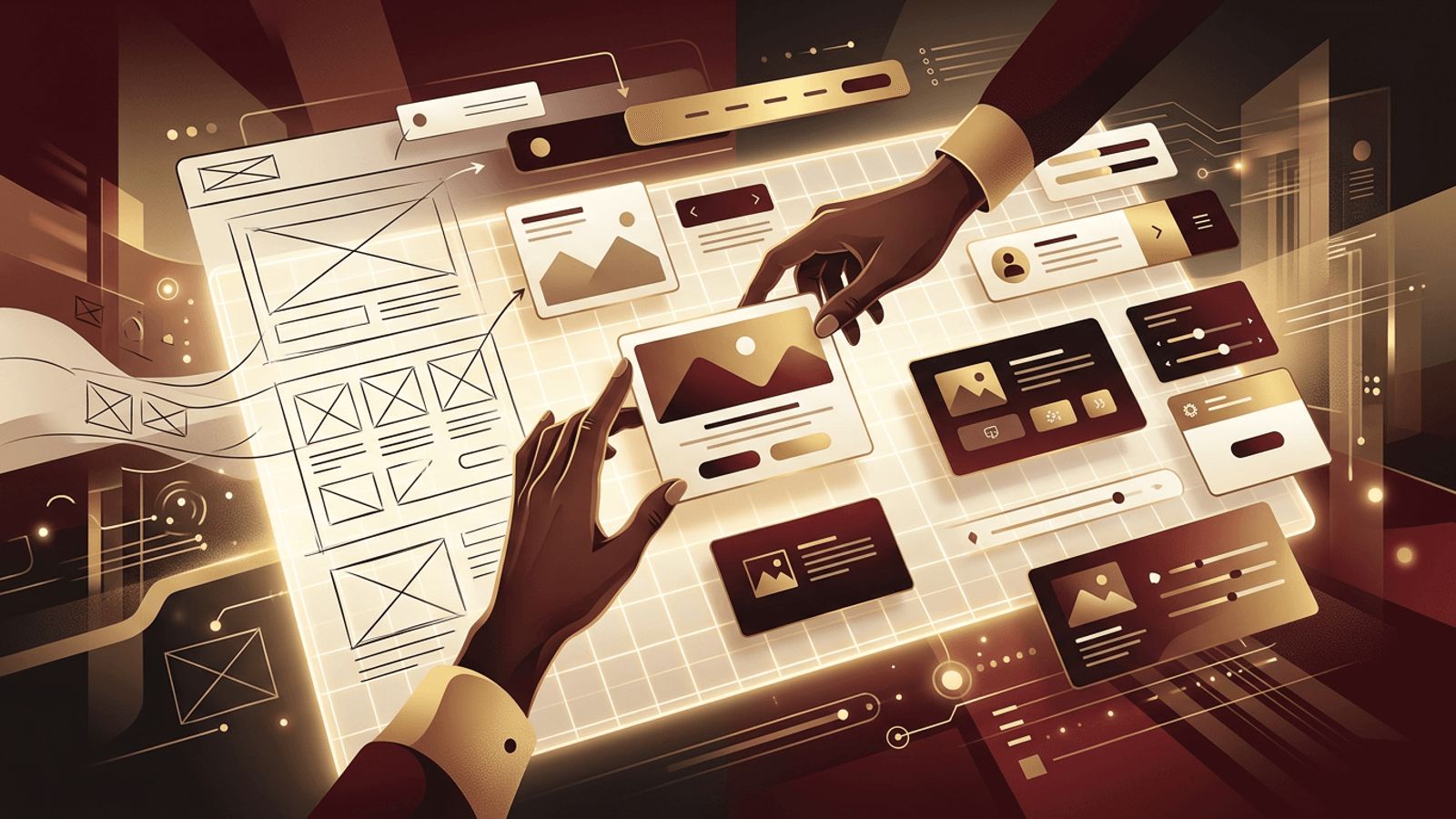
Behind every visually appealing, easy-to-use website is a careful process of planning, sketching, refining, and testing. This process is known as web designing. Whether you are a business owner preparing to launch a website or someone curious about a career in design, understanding the meaning of web designing provides valuable insight into how digital experiences are created. In this article, we explain what web designing is, walk through the typical design process, cover the essential skills and tools, and explain why it plays such a critical role in online success.
How AAMAX.CO Approaches the Web Designing Process
Web designing is most effective when guided by experience, research, and a clear understanding of business goals. AAMAX.CO is a full service digital marketing company that offers web development, digital marketing, and SEO services worldwide. Their designers follow a structured process, from discovery and wireframing to visual design and testing, ensuring that every website they create is both beautiful and purposeful. Businesses looking for professional website design can rely on them to deliver custom layouts that reflect their brand and convert visitors into customers.
What Does Web Designing Mean?
Web designing refers to the act of creating the visual appearance, layout, and user experience of a website. While "web design" often describes the outcome or discipline, "web designing" emphasizes the activity itself, the hands-on work of transforming ideas into structured, attractive, and functional web pages.
Web designing involves making decisions about where content appears, how colors and fonts express a brand, how users navigate from page to page, and how the site adapts to different screen sizes. It is a creative pursuit grounded in practical considerations such as usability, accessibility, and performance.
The Web Designing Process
Although every project is unique, most follow a similar series of steps:
1. Discovery and Research
The process begins by understanding the client's business, goals, target audience, and competitors. Designers may conduct interviews, analyze existing analytics, and review competitor websites to identify opportunities.
2. Planning and Information Architecture
Next, designers organize content into a logical structure. They create sitemaps that define which pages are needed and how they connect, ensuring users can find information easily.
3. Wireframing
Wireframes are simple, low-fidelity sketches that outline page layouts without colors or detailed visuals. They focus on structure and content placement, making it easy to iterate before investing time in visual details.
4. Visual Design and Mockups
Once the structure is approved, designers create high-fidelity mockups that include colors, typography, imagery, and branding. This is where the website's personality truly comes to life.
5. Prototyping and Testing
Interactive prototypes simulate how the website will function. Designers test these prototypes with stakeholders or real users to identify usability issues and refine the experience.
6. Handoff and Collaboration
Finalized designs are handed off to developers with specifications, assets, and design systems. Designers continue collaborating during development to ensure the final product matches the vision.
7. Launch and Optimization
After launch, designers monitor user behavior and analytics to identify areas for improvement. Web designing is an ongoing process, with updates and optimizations keeping the site effective over time.
Essential Skills for Web Designing
Successful web designers combine creative and technical abilities:
- Visual design skills: Understanding color theory, typography, composition, and imagery.
- UX knowledge: Designing intuitive flows based on user needs and behaviors.
- Responsive design: Creating layouts that work across desktops, tablets, and phones.
- Basic coding: Familiarity with HTML and CSS improves collaboration with developers.
- Accessibility awareness: Designing inclusive experiences that follow WCAG guidelines.
- Communication: Presenting ideas, gathering feedback, and working with teams.
- SEO fundamentals: Understanding how design choices affect search visibility.
Popular Tools Used in Web Designing
- Figma: The leading collaborative tool for wireframes, mockups, and prototypes.
- Adobe Photoshop and Illustrator: For image editing and vector graphics.
- Sketch: A Mac-based design tool for interfaces.
- Webflow and Framer: Visual platforms for designing and publishing websites.
- Visual Studio Code: For designers who write or tweak front-end code.
Why Web Designing Is So Important
Web designing directly influences how users perceive and interact with a business online. A professionally designed website:
- Builds credibility and trust within seconds of arrival.
- Improves usability so visitors find what they need quickly.
- Supports SEO through mobile-friendly, well-structured layouts.
- Strengthens brand identity with consistent visuals and messaging.
- Increases conversions by guiding users toward key actions.
Common Web Designing Mistakes to Avoid
Even experienced designers must watch out for pitfalls such as cluttered layouts, inconsistent styling, poor color contrast, slow-loading images, confusing navigation, and ignoring mobile users. Testing with real users and following established best practices helps avoid these issues.
Conclusion
The meaning of web designing centers on the creative and strategic process of planning, structuring, and styling websites to deliver excellent user experiences. From research and wireframes to mockups, testing, and optimization, web designing turns ideas into engaging digital spaces. For businesses, investing in skilled web designing is one of the most effective ways to build trust, attract customers, and grow online.
