

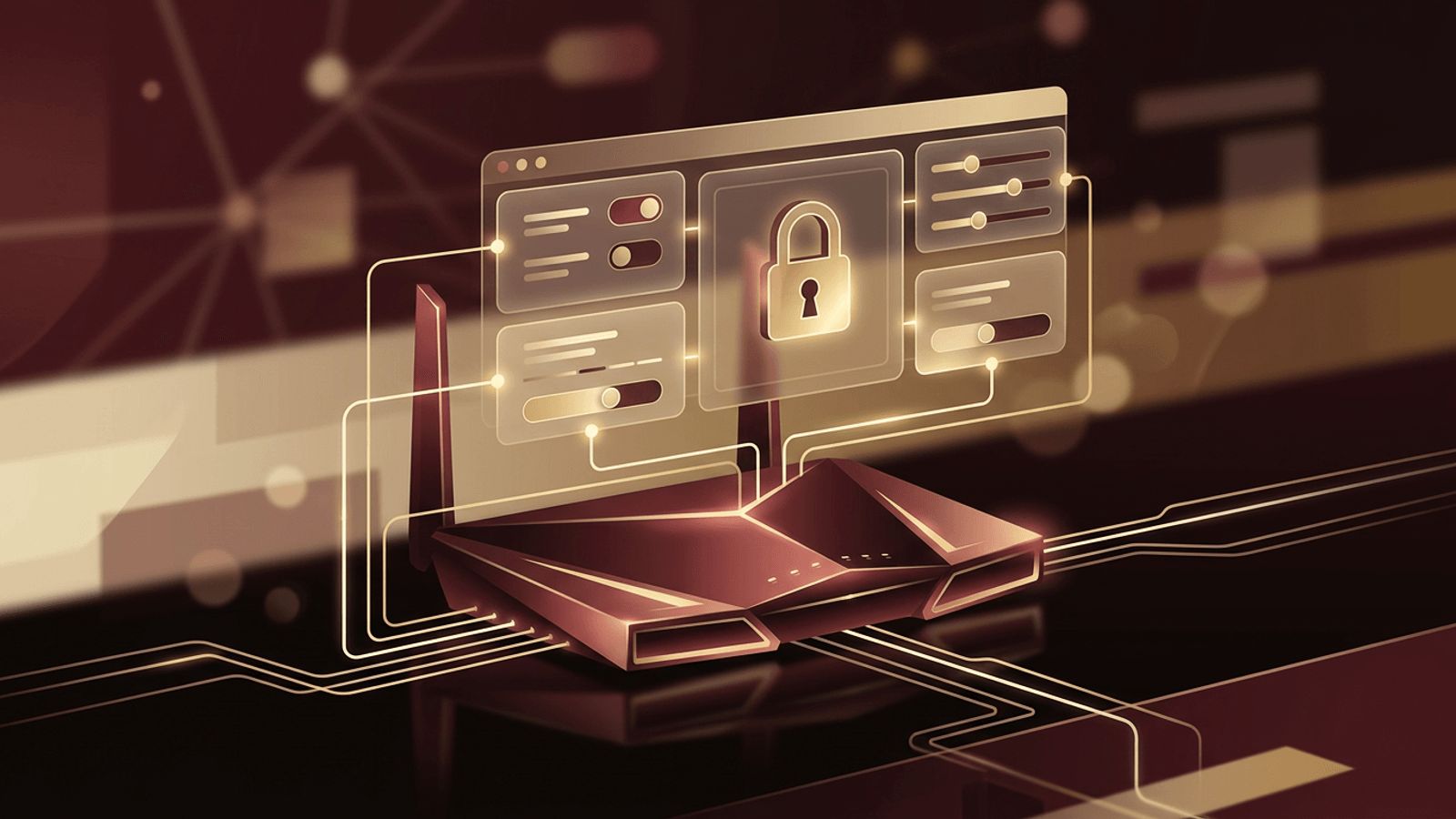
Many of the devices and systems we rely on every day, from home Wi-Fi routers to business servers and cloud platforms, can be configured through a simple browser window. Instead of installing special software or typing complex commands, you open a web address, log in, and manage settings through buttons, menus, and forms. This is known as web UI access. Understanding what web UI access is and how to use it safely can help you manage technology more confidently and protect your systems from unauthorized changes.
How AAMAX.CO Designs Intuitive Web Interfaces
A web UI is only as useful as it is easy to understand. Confusing dashboards lead to mistakes, support requests, and frustrated users. AAMAX.CO is a full service digital marketing company providing web development, digital marketing, and SEO services worldwide. They design and build clean, user-friendly admin panels, dashboards, and control interfaces for businesses and software products. Through their web application development services, they create secure, browser-based interfaces that make complex tasks simple, giving their clients' users a smooth and reliable experience.
Defining Web UI Access
UI stands for user interface, the visual layer that allows people to interact with a system. Web UI access refers to managing or using a device, application, or service through a graphical interface delivered in a web browser. The device or service runs a small web server that hosts the interface. When you visit its address, the browser displays pages where you can view status information and change settings.
Web UIs are popular because they work on almost any computer, tablet, or smartphone without requiring additional software. They are also easier for non-technical users than command-line tools.
Common Examples of Web UI Access
Web UI access appears in many contexts:
- Wi-Fi routers and modems: Change network names, passwords, parental controls, and firmware through an address such as 192.168.0.1 or 192.168.1.1.
- Network-attached storage (NAS): Manage files, users, and backups through a browser dashboard.
- Printers and smart devices: Configure network settings, check supply levels, and update firmware.
- Security cameras and DVR systems: View live footage and adjust recording settings.
- Servers and hosting control panels: Tools like cPanel, Plesk, and Webmin provide web-based server management.
- Software applications: Many self-hosted tools, such as content management systems and analytics platforms, offer web admin panels.
- Cloud platforms: Services from major cloud providers are managed through web consoles.
How to Access a Device's Web UI
For most local devices, the process is similar. First, make sure your computer is connected to the same network as the device. Next, find the device's IP address, which is often printed on a label, listed in the user manual, or visible in your router's connected devices list. Type that address into your browser's address bar. You will usually see a login page; enter the username and password provided by the manufacturer or set during installation. Once logged in, you can navigate the menus to view and change settings.
For cloud services and hosted applications, web UI access is typically through a standard URL with your account credentials, often protected by two-factor authentication.
Benefits of Web UI Access
Web UIs make technology more approachable. They provide visual feedback, clear menus, and helpful explanations that reduce the learning curve. Because they run in a browser, they are platform-independent, so you can manage a system from Windows, macOS, Linux, or a mobile device. Updates to the interface can be delivered with firmware or software updates without requiring separate installations. For businesses, web UIs allow teams to manage systems remotely, which saves time and reduces travel.
Security Risks of Web UI Access
Because web UIs control important settings, they are attractive targets for attackers. Default usernames and passwords are a major risk, since they are widely published online. Interfaces exposed directly to the public internet can be scanned and attacked automatically. Outdated firmware may contain vulnerabilities that allow attackers to bypass login screens. Unencrypted HTTP connections can allow credentials to be intercepted on shared networks.
Best Practices for Securing Web UI Access
To keep your systems safe, follow these practices:
- Change default usernames and passwords immediately, using strong, unique credentials.
- Enable HTTPS so connections to the interface are encrypted.
- Disable remote management unless it is truly necessary, and if it is, restrict it to specific IP addresses or use a VPN.
- Turn on two-factor authentication where available.
- Keep firmware and software updated to patch known vulnerabilities.
- Limit admin accounts and assign roles with the minimum necessary permissions.
- Review access logs periodically for suspicious activity.
Troubleshooting Web UI Access Problems
If you cannot reach a web UI, confirm that you are using the correct IP address and that your device is on the same network. Try a different browser or clear your cache. Check whether the interface requires HTTPS or a specific port number. If you have forgotten the password, most devices offer a factory reset option, though this will erase custom settings. For hosted applications, use the official password recovery process.
Designing Better Web UIs
For companies building products, a well-designed web UI can be a major differentiator. Clear navigation, sensible defaults, helpful tooltips, responsive layouts, and accessible design all make administration easier and reduce support costs. Security should be built in from the start, not added later.
Conclusion
Web UI access allows people to manage devices, applications, and services through a familiar browser interface. It simplifies configuration, enables remote management, and makes technology more accessible to non-experts. However, because web UIs control critical settings, they must be secured with strong passwords, encryption, updates, and limited exposure. Whether you are configuring a home router or building a business dashboard, understanding web UI access helps you work more efficiently and safely.
