

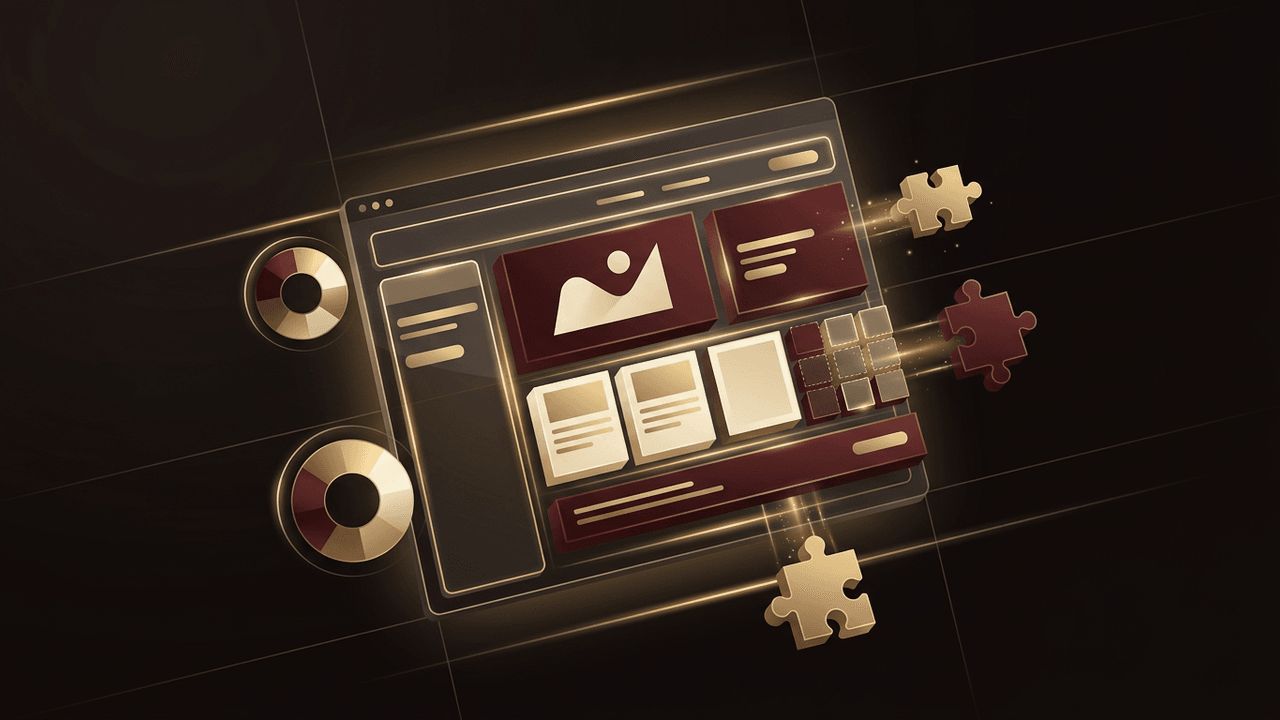
WordPress powers more than 40 percent of all websites on the internet, from personal blogs to major news outlets and global brands. Its popularity comes from its flexibility, ease of use, and enormous ecosystem of themes and plugins. But installing WordPress is only the beginning. Turning it into a professional, branded, high-performing website requires WordPress web design. In this article, we explain what WordPress web design is, how it works, the difference between theme-based and custom designs, and the best practices that help WordPress sites succeed.
How AAMAX.CO Delivers Professional WordPress Web Design
WordPress is powerful, but getting the most from it takes experience. AAMAX.CO is a full service digital marketing company offering web development, digital marketing, and SEO services worldwide. They design and build custom WordPress websites that reflect each client's brand, load quickly, and are easy for teams to manage. From custom themes and block-based layouts to WooCommerce stores and SEO configuration, they help businesses unlock the full potential of WordPress.
What Is WordPress?
WordPress is a free, open-source content management system (CMS). It allows users to create, edit, and publish website content through an intuitive dashboard without writing code. The self-hosted version, available at WordPress.org, gives you full control over your website, while WordPress.com offers a hosted service with varying levels of flexibility. Most professional business sites use self-hosted WordPress for maximum customization.
What Is WordPress Web Design?
WordPress web design is the process of planning, designing, and building a website using WordPress as the underlying platform. It covers the visual design, including layouts, colors, typography, and imagery, as well as the user experience, site structure, functionality, and performance. A WordPress web designer configures themes, builds page templates, customizes blocks, selects and configures plugins, and ensures the site is responsive, accessible, and optimized for search engines.
Themes: The Foundation of WordPress Design
A WordPress theme controls the overall look and layout of a website. Thousands of free and premium themes are available, covering nearly every industry and style. Pre-built themes allow fast, affordable launches, but they can come with limitations: bloated code, generic designs shared by many other sites, and dependence on the theme developer for updates.
Custom themes, by contrast, are built specifically for one website. They contain only the code needed, match the brand precisely, and typically perform better. Many professional designers also use lightweight starter themes or block themes as a foundation, customizing them extensively to create unique results.
The Block Editor and Full Site Editing
WordPress's block editor, known as Gutenberg, lets users build pages by arranging content blocks such as paragraphs, images, buttons, columns, and galleries. Full Site Editing extends this approach to headers, footers, and templates, giving designers and site owners visual control over the entire website. Custom blocks can be created for unique components like testimonials, pricing tables, or service cards, giving content editors flexibility while preserving design consistency.
Page Builders
Page builder plugins such as Elementor, Divi, and Beaver Builder offer drag-and-drop design interfaces. They are popular for their ease of use and visual control, but they can add extra code that affects performance. Experienced designers weigh the convenience of page builders against speed requirements and long-term maintainability.
Plugins: Extending Functionality
Plugins add features to WordPress without custom coding. Popular categories include SEO tools, contact forms, security, caching, backups, ecommerce through WooCommerce, membership systems, and booking tools. Good WordPress design involves choosing reliable, well-maintained plugins and avoiding unnecessary ones, since too many plugins can slow a site and create security risks.
Benefits of WordPress Web Design
Ease of use: Non-technical teams can update content, publish blog posts, and manage pages easily.
Flexibility: WordPress can power anything from a simple brochure site to a complex ecommerce or membership platform.
SEO-friendly: Clean permalinks, SEO plugins, and structured content make optimization straightforward.
Scalability: Sites can grow from a few pages to thousands of posts and products.
Large community: Extensive documentation, developers, and support resources are available worldwide.
Cost-effective: The core software is free, and many features can be added affordably.
WordPress Web Design Best Practices
Design mobile-first: Most visitors browse on phones, so layouts should work beautifully on small screens.
Prioritize performance: Optimize images, use caching, minimize plugins, and choose quality hosting to keep load times fast.
Focus on accessibility: Use proper heading structure, color contrast, alt text, and keyboard navigation.
Maintain brand consistency: Use a defined color palette, typography, and reusable components across all pages.
Secure the site: Keep WordPress, themes, and plugins updated, use strong passwords, and install security tools.
Plan for SEO: Structure content around keywords, configure metadata, create XML sitemaps, and use schema markup.
Headless WordPress
An emerging approach is headless WordPress, where WordPress manages content while a modern front-end framework like Next.js handles the display. This setup offers exceptional speed, security, and design freedom while preserving the familiar WordPress editing experience. It is ideal for businesses that need high performance or want to deliver content across websites, apps, and other channels.
DIY vs. Professional WordPress Design
Many small businesses start by building WordPress sites themselves using a theme. This can work for simple needs, but as requirements grow, DIY sites often encounter performance issues, design limitations, and security vulnerabilities. Professional website design delivers a unique, strategic site that reflects your brand and converts visitors, while expert website development ensures it is fast, secure, and built to scale.
Conclusion
WordPress web design is the art and science of transforming WordPress into a polished, branded, and effective website. By combining the right theme approach, thoughtful use of blocks and plugins, and best practices for performance, accessibility, security, and SEO, businesses can create websites that are both beautiful and easy to manage. Whether you choose a customized theme or a fully custom build, WordPress offers a powerful foundation for long-term online growth.
