

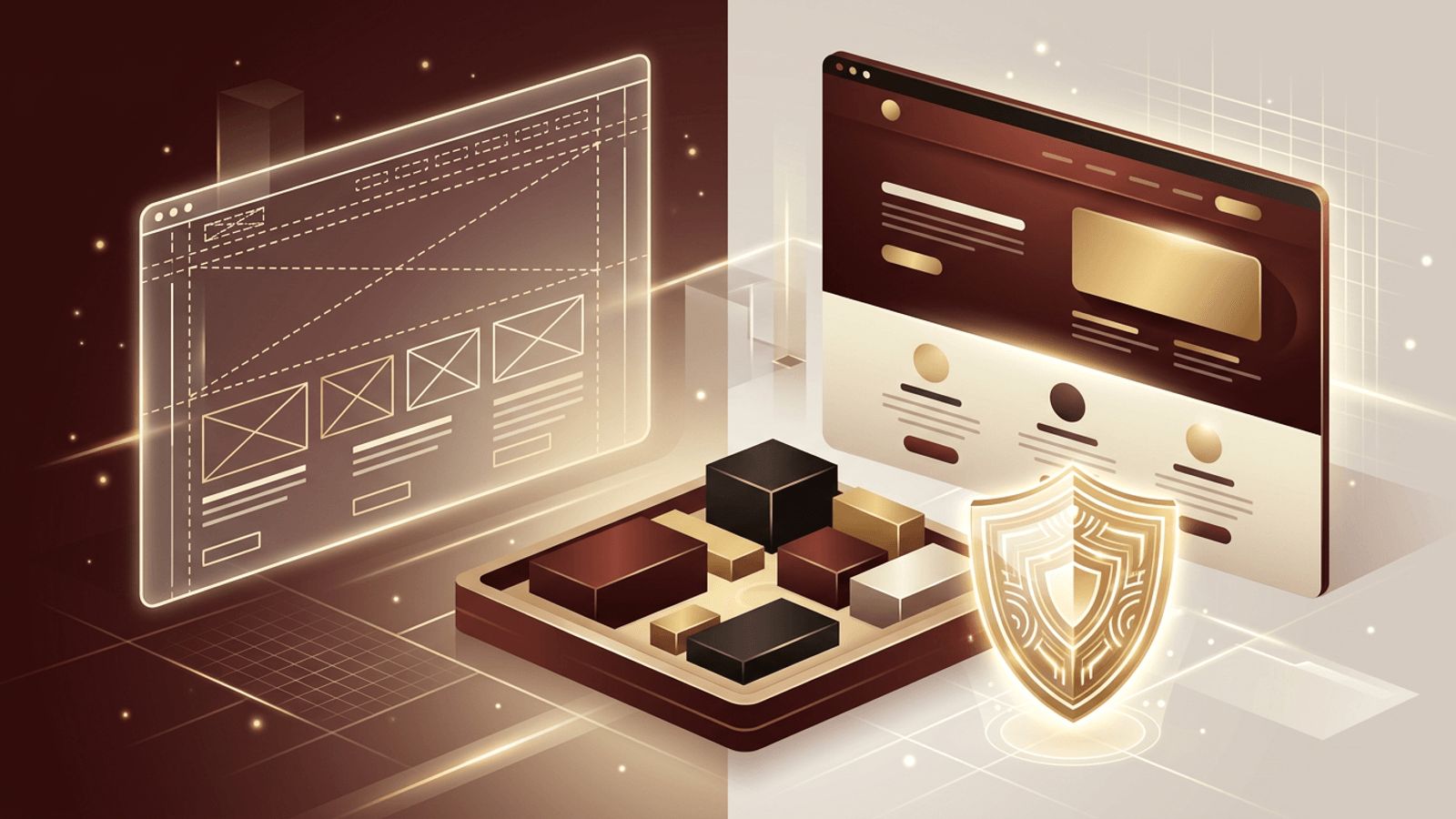
The phrase "fake website" can mean different things, so it is important to start with clarity. In professional web design and development, a "fake" website usually refers to a mockup, prototype, demo, or placeholder site that simulates a real website without being a live, functioning business. Designers create them to present concepts to clients, developers use them to test features, educators use them for training, and marketers use them to validate ideas before investing in a full build. This guide explains how to make a fake website for these legitimate purposes, while also highlighting the ethical and legal boundaries you must respect.
How AAMAX.CO Uses Prototypes to Build Better Real Websites
Prototyping is a core part of professional website projects because it allows ideas to be tested before development begins. AAMAX.CO is a full-service digital marketing company offering web development, digital marketing, and SEO services worldwide. They create interactive mockups and staging sites that let their clients experience a website's layout, navigation, and content flow early in the process. This approach reduces costly revisions, aligns stakeholders, and ensures the final live website delivers exactly what the business needs.
An Important Note on Ethics and Legality
A mockup or demo is entirely legitimate. However, a website designed to impersonate a real brand, trick people into sharing passwords or payment details, or spread false information is illegal in most jurisdictions and causes real harm. Never copy another company's branding to deceive users, never collect real personal data on a demo site, and never publish a prototype in a way that could be mistaken for an official website. Everything in this guide is intended for design, testing, education, and presentation purposes only.
Common Legitimate Uses for a Fake Website
- Client presentations: Showing a proposed design before development.
- Usability testing: Letting real users try a concept and provide feedback.
- Portfolio projects: Designing sites for fictional brands to showcase skills.
- Training and education: Teaching web development or security awareness in controlled environments.
- Product validation: Testing interest in an idea with a simple landing page before building the product.
- Development testing: Staging sites that mirror production for safe experimentation.
Step 1: Define the Purpose and Audience
Decide why you are creating the demo and who will see it. A client presentation needs polished visuals, while a usability test needs realistic navigation and tasks. A portfolio piece should demonstrate your design thinking. Knowing the purpose helps you decide how detailed and interactive the site needs to be.
Step 2: Create a Fictional Brand
For portfolio pieces and training, invent a fictional company with its own name, logo, colors, and voice. This avoids trademark issues and gives you creative freedom. Tools like Canva can help you design a simple logo, and color palette generators can help you establish a cohesive visual identity.
Step 3: Use Wireframing and Prototyping Tools
Design tools such as Figma, Adobe XD, and Framer let you create clickable prototypes without writing code. Link frames together to simulate navigation, add hover states and transitions, and share a link that stakeholders can explore in their browser. Following solid website design principles at this stage ensures your prototype accurately reflects how the final site will look and feel.
Step 4: Fill It With Placeholder Content
Use realistic but clearly fictional content. Lorem ipsum text works for early layouts, though realistic copy produces better feedback in usability testing. Use royalty-free images from sources like Unsplash or generate original illustrations. Avoid using real customer names, testimonials, or data.
Step 5: Build a Coded Demo if Needed
For more realistic testing, build a lightweight coded version using HTML, CSS, and JavaScript, or a framework like React. Simulate data with mock JSON files rather than real databases. Make forms non-functional or connect them to test endpoints that do not store personal information.
Step 6: Host It Safely
Deploy demos to staging environments or free hosting services like Netlify or Vercel using clearly labeled subdomains. Password-protect client previews when possible. Add a "noindex" meta tag so search engines do not index the demo, and include a visible notice indicating that the site is a prototype or demonstration.
Step 7: Gather Feedback and Iterate
Share the prototype with stakeholders or test participants. Observe how they navigate, what confuses them, and what they like. Use this feedback to refine the design before moving into full development. Iteration at the prototype stage is far less expensive than changes after launch.
Step 8: Transition to a Real Website
Once the concept is validated, move from the demo to a production website. Replace placeholder content with real copy and images, connect real systems securely, and implement analytics, SEO, and performance optimizations. Remove or archive the demo to avoid confusion.
Conclusion
Learning how to make a fake website, in the sense of a mockup, prototype, or demo, is a valuable skill for designers, developers, educators, and entrepreneurs. By defining a clear purpose, using fictional branding, relying on prototyping tools, filling the site with placeholder content, and hosting it responsibly, you can test ideas safely and effectively. Always respect ethical and legal boundaries, and use prototypes as a stepping stone toward building genuine, trustworthy websites.
